
Simple Employee Task Management Software: A Practical Guide
At some point in every small business, a manager asks how a task is going and gets some version of “oh, I thought Sarah was handling that.”Not because someone dropped the ball on purpose. More that there was never a shared place actually showing whose ball it was in the first place.
Gets worse as a team grows too. Two or three people can usually keep things straight through sheer proximity, sitting near each other, overhearing updates in passing. Add a few more employees, maybe someone on a different shift or a different location entirely, and that informal system just stops holding up. Tasks get duplicated. Deadlines get missed because nobody was actually watching them closely. And the manager ends up doing way more chasing than actual managing.
Simple employee task management software fixes exactly this: no complicated rollout needed, no steep learning curve for a team that just wants to know what needs doing today, right now.
What Does Employee Task Management Software Actually Do?
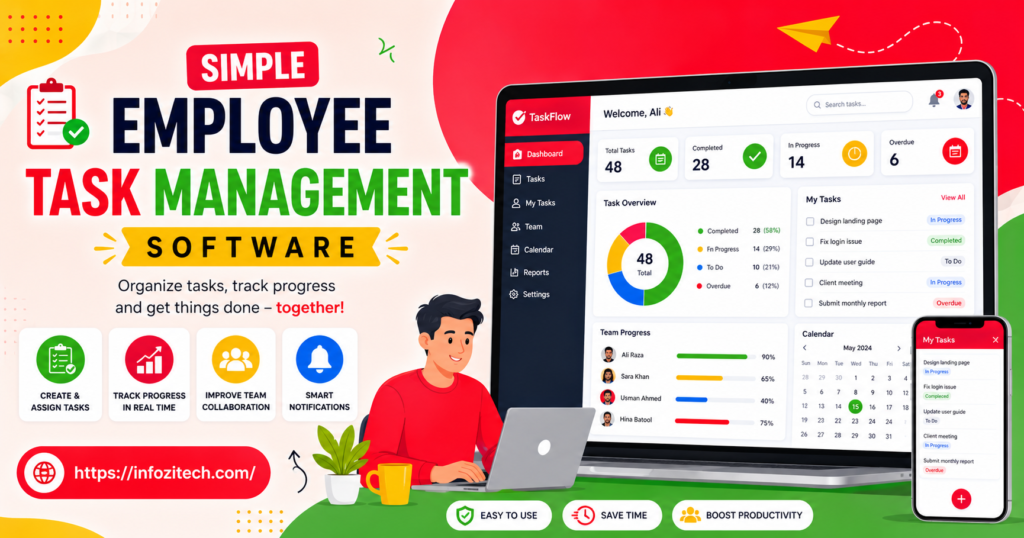
At the simplest level, it gives a team one shared place to see what tasks exist, who’s responsible for each, and whether it’s done. That’s the whole core function, really. Reminders, deadlines, reporting, all of that sits on top of that one basic job underneath.
Picture a small retail team running through opening tasks each morning, restocking shelves, checking the register, prepping displays, the usual routine.
Worth separating a few terms that overlap constantly in this space.
- Task management software focuses specifically on individual tasks and their status, who owns what, when it’s due.
- Project management platforms pile on heavier structure, timelines, dependencies, and resource planning across bigger initiatives most small teams don’t need.
- General to-do apps get built more for individual use than actual team coordination, and often lack the shared visibility a team genuinely needs to function.
Most small teams get everything they need from straightforward task management software, no need for the heavier weight of a full project management platform they’ll barely use.
Why Small Teams Shouldn’t Skip This
There’s an assumption floating around that task management software is mainly for larger companies with complex projects and multiple departments. In reality, small teams often need it just as much, honestly maybe more, since there’s usually no dedicated project coordinator around catching things falling through the cracks manually.
A few honest reasons this matters even for a handful of employees.
You stop relying on memory and verbal handoffs entirely. When a task exists in a shared system instead of a conversation from three days back, nobody has to remember exactly what was said, or to whom, or when.
You reduce duplicated effort, which happens more than you’d think. Without visibility into who’s doing what, two people sometimes tackle the same task while something else gets completely ignored. A shared list prevents that overlap from happening in the first place.
You catch missed deadlines before they turn into a real problem. A task sitting incomplete and overdue is easy to spot on a shared board. Buried in someone’s head, or a private notebook nobody else sees, it’s easy to miss entirely until a customer or client notices first, which is a bad way to find out.
You make onboarding a lot easier too. A new employee can look at the task system and just understand what’s expected, rather than needing someone to walk them through it verbally, every single day, for weeks on end.
None of this needs an expensive or complicated system. If anything, the simpler the tool, the more likely a small team actually keeps using it past the first few weeks instead of abandoning it.
Common Types of Simple Task Management Software
Vendors love branding new categories constantly, but for a small team it comes down to a handful of practical options really.
Checklist-Style Apps
Focus on straightforward lists of tasks, sometimes recurring daily or weekly, assigned to specific people directly. Strong fit for businesses with routine operational tasks, opening and closing procedures, that kind of thing repeating on a predictable schedule.
Kanban-Style Boards
Visual boards, columns like To Do, In Progress, Done, tasks moving across as work advances through the day. Works well for teams handling a mix of one-off tasks and ongoing responsibilities; easy to see progress at a glance without asking anyone.
Task Features Built Into Communication Tools
Some chat or messaging platforms bake in basic task assignment features right inside the app itself. Convenient if the team already lives in that tool daily anyway, no separate login, no new app to remember checking.
Recurring Task and Scheduling Tools
Built specifically around tasks that repeat on a schedule: daily cleaning checklists, weekly inventory counts, that whole category. Useful for businesses where a big chunk of the work is routine rather than one-off projects.
You don’t need to master every category. Figure out which one matches how your team’s actual work is structured, day to day, not how you wish it was structured.
How to Choose the Right Tool for Your Team
This is usually where managers get stuck, since there are dozens of tools all claiming to be the simplest option out there for small teams. Here’s a more grounded way to cut through that.
Start With the Type of Work Your Team Does
A team handling mostly recurring, routine tasks has different needs than one juggling a mix of ongoing projects and one-off requests popping up constantly. Match the tool to your actual work pattern, not whatever’s currently most popular online.
Prioritize Ease of Use Over Advanced Features
Ask honestly: could an employee with little tech experience open this thing and understand what to do within a couple of minutes flat? If it needs a training session just to explain basic task assignment, that’s usually a sign the tool’s more complex than your team actually needs.
Check Mobile Access Carefully
If employees work a shop floor, a warehouse, or out on the road rather than at a desk all day, a tool that only works well on desktop creates constant friction, every day, over and over. Mobile access should feel just as smooth as desktop, no compromise.
Look at How Notifications Work
Good task software nudges people about upcoming or overdue tasks without becoming an overwhelming stream nobody actually reads anymore because it’s too much. Test this during a trial; see if the balance actually feels right for your specific team.
Trial It With Real Tasks During a Real Week
Skip the sample tasks. Load in the actual work your team’s doing this week; see how naturally the process fits into an ordinary day. Tells you way more than clicking through some polished demo account ever will.
Setting Up Task Management Without Losing Momentum
Once you’ve picked a tool, resist loading in every task your business has ever had and building some complicated system before your team’s even tried using it once, not even once.
A more realistic setup looks something like this.
Start with your current, active tasks only. Add what needs doing this week, not every responsibility the business has ever had crammed in on day one.
Keep task descriptions short and specific, genuinely short. A clear, simple task with an obvious owner gets done. A vague, complicated one tends to get avoided or just misunderstood entirely.
Assign every task to one specific person, always. Shared ownership across multiple people, with no clear lead, usually just means nobody feels fully responsible for it.
Set a simple daily habit around checking the system. Quick morning review, end-of-day update, whatever fits; consistency matters way more than complexity here.
Add recurring tasks gradually, no rush. No need to build out every repeating checklist on day one. Start with the most important routines, expand once the basics are actually running smoothly.
Mistakes Small Teams Commonly Make
A few patterns keep showing up when small teams first adopt task management software.
Loading in too much all at once. Creates an overwhelming list from day one, making it hard for employees to see what actually matters right now versus what’s just sitting there.
Choosing a tool built for large, complex projects. Usually means unnecessary features and a steeper learning curve than a small team actually needs for simple day-to-day work that isn’t that complicated.
Skipping buy-in from the team before rolling it out. If employees don’t get why the switch is happening, updates get inconsistent fast, and the system stops reflecting what’s actually going on.
Ignoring mobile access needs. For teams working away from a desk, a desktop-only tool creates a barrier that discourages regular use, quietly, over time.
Never checking whether the system’s actually being used. A task list nobody opens is no better than the informal system it replaced; honestly, it might be worse since now there’s false confidence attached to it.
Bringing It All Together
Simple employee task management software was never about running a small team like some large corporation with layers of process nobody needs. It’s about giving employees one shared, clear place to see what needs doing, so nothing depends on memory, a hallway conversation, or a sticky note that eventually falls off someone’s monitor and gets thrown out with the trash.
Start with your current active tasks, choose a tool your whole team can use without a training session, build simple habits around checking it before adding anything more complicated on top. The goal was never the most feature-packed platform available. It’s whatever quietly keeps everyone clear on what needs to happen, and when, without extra noise.
Once that habit sticks, dropped tasks become rare, onboarding gets easier, and the business runs with a kind of clarity that’s honestly easy to underestimate until you’ve finally got it in place and realize what was missing before.





