
AI Proposal Builder for Consultants: Write Winning Proposals Faster
I used to dread Sunday nights, and it had nothing to do with the weekend ending. It was the two, sometimes three, proposals sitting untouched in my drafts folder that I’d been avoiding since Tuesday. You know how it goes if you’ve done this consulting thing for more than a few months — the discovery call goes great, the client sounds genuinely excited, and then you vanish for four days doing document formatting instead of the actual work you’re supposedly good at. By the time the proposal finally lands in their inbox, some of that momentum has gone cold. Maybe they talked to someone else while they waited. Maybe they just moved on to whatever fire was burning that week. Either way, you lost something in those four days that you didn’t have to lose.
That’s the actual problem an AI proposal builder is trying to fix. Not replace your thinking — nobody wants that, and frankly, a tool that tried would be useless for consulting work specifically. It’s meant to strip out the repetitive, time-eating parts so you can get something polished out the door in hours, not days. If you’re on the fence about whether one of these tools is worth bolting onto your workflow, here’s the honest rundown.
What an AI Proposal Builder Actually Does
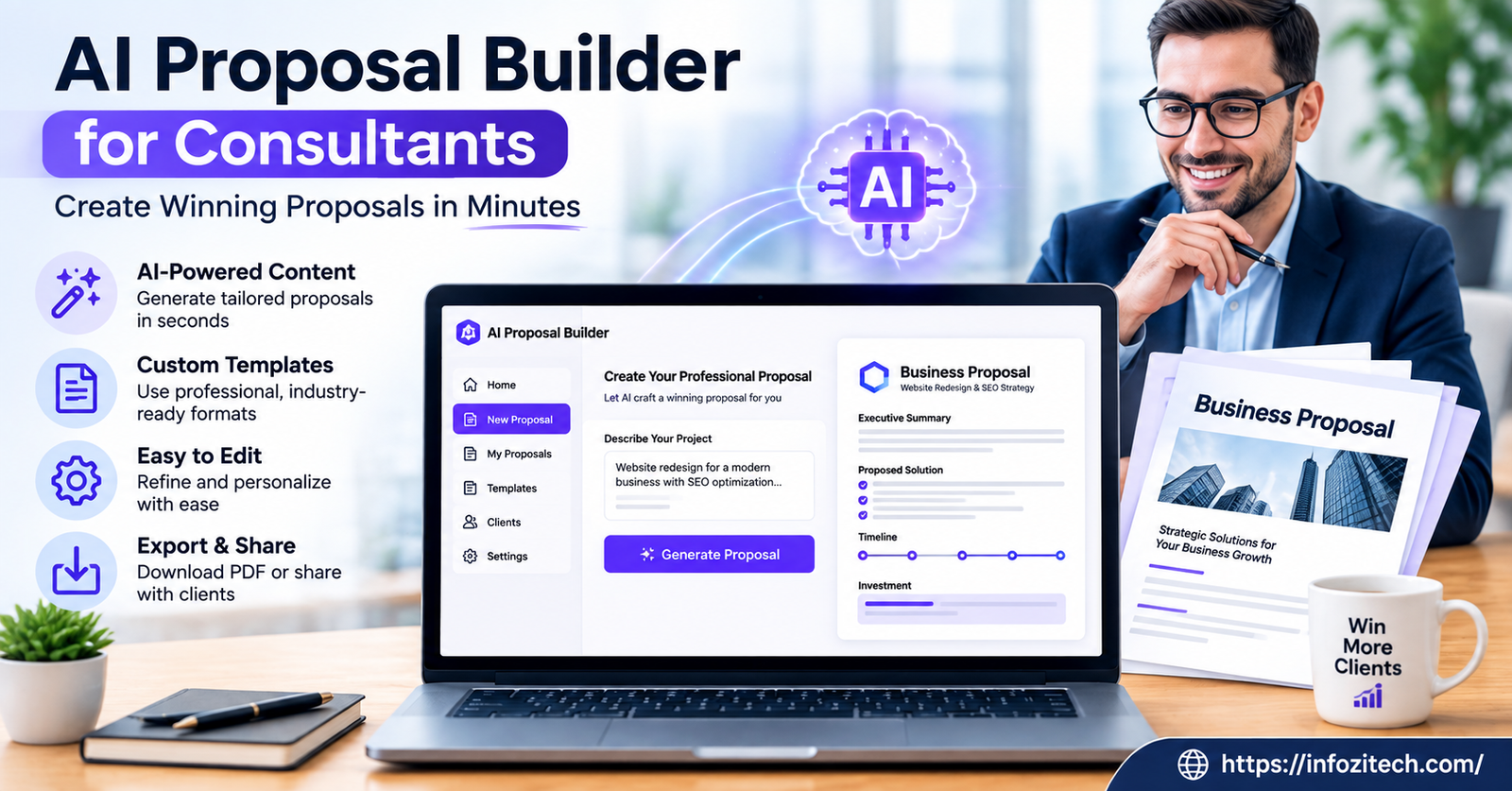
Strip away the marketing language and this software takes stuff you already have — your services, your pricing, notes from past projects, maybe a transcript from the discovery call — and turns it into something structured and client-ready. Some go further, pulling details straight out of a CRM or a calendar invite so you’re not typing the same client name and project scope for the fifth time that week. Small thing. Adds up.
Most platforms give you some combination of: templates you can actually customize (not just swap a logo on), AI-generated first drafts from a short prompt or a pile of notes, pricing tables that update themselves, e-signature collection, and read-tracking that tells you when a client opened the thing and how long they stuck around. A few flag which sections people actually lingered on, which sounds like a gimmick until you realize you finally have real data on which parts of your pitch land and which ones get skimmed in four seconds flat.
None of this means the tool magically writes a finished proposal while you sip coffee somewhere. You still have to feed it real context — garbage in, garbage out, same as everything else in this category. What it does mean is you’re not starting from a blank page every single time, and for most consultants, that blank page is where the real time gets burned.
Why This Actually Matters More for Consultants Than Most People
Freelancers selling a fixed package, or agencies selling a defined product, can get away with more copy-paste. Consultants sell judgment. Every proposal has to feel specific, tailored to this client’s actual mess, not the last client’s mess with the company name swapped. Clients notice when something feels phoned in. And in consulting, trust really is the whole product — there’s not much else to sell besides “trust me, I know how to fix this.”
Which is exactly why a lot of consultants have dragged their feet on proposal automation. There’s a real fear that leaning on AI here makes the work feel generic, hollowed out, like nobody actually thought about the specific problem. Fair concern, honestly, I had it myself for a while. But the decent tools in this space aren’t trying to replace your judgment. They handle structure and formatting so you can spend your actual thinking-time on scope, pricing, and the specific outcome you’re promising — the parts a template can’t fake.
Used well, this kind of tool frees up hours you’d otherwise lose fighting a Word document’s formatting, so you can spend that time on the part that wins the deal: understanding what the client actually needs and explaining, clearly, how you’ll deliver it.
Core Features Worth Actually Caring About
Not every tool in this category works the same way underneath, and the differences matter a lot more than the landing pages let on.
Templates That Adapt, Not Just Sit There
A decent template library isn’t a stack of static docs with your logo pasted on top. Look for templates that shift based on project type — strategy work, an audit, a retainer, a one-off engagement. The closer that starting point is to your finished proposal, the more time you save. Obvious when you say it out loud, but a lot of tools fail at exactly this.
AI-Assisted Drafting
This is usually what people mean when they say “AI proposal builder.” Feed it notes, a call transcript, a scope summary, and it spits out a draft you edit from there. Quality swings wildly between tools, so test it on a real project before you commit to anything. A weak first draft that needs a full rewrite isn’t saving you much of anything, and some tools are genuinely weak.
Pricing Tables That Update Themselves
Instead of hand-editing a spreadsheet every time scope shifts or you tack on an extra deliverable, look for pricing tables that recalculate on their own. Some let clients pick between tiered packages right inside the proposal, which cuts down the back-and-forth emails considerably. Small feature, big time saver.
E-Signatures and Getting Paid
A proposal that lets a client sign, and sometimes pay a deposit, right inside the document removes a whole round of back-and-forth emails. Fewer steps between “yes, let’s do this” and an actual signed agreement usually means fewer clients cooling off somewhere in that gap.
Actually Knowing What Happened
Knowing when a client opened the thing, and how long they spent on each part, gives you data most consultants never had before. Someone opens it and closes it in ten seconds? That tells you something. Someone spends fifteen minutes on the pricing page and nowhere else? That tells you something too, and it’s usually not good news for your pricing structure.
How Much Time Does This Actually Save
The question everyone asks first, understandably. Depends a lot on how complicated your typical proposal gets, but consultants coming from a fully manual process — a Word doc built from scratch every time — tend to report cutting the work from a few hours down to well under one. Some say closer to twenty or thirty minutes for something that used to eat an entire afternoon. That’s a big swing.
That saved time compounds fast if you’re sending several proposals a month. Even a modest cut, two hours per proposal, say, adds up to real billable hours recovered over a quarter. For solo consultants especially, this isn’t some abstract efficiency stat — it’s hours you can either bill or actually use to rest, which matters more than most people admit out loud.
Concerns Consultants Actually Have (Some Valid, Some Not So Much)
“Won’t It Just Sound Generic?”
The biggest worry, and a fair one. Honestly comes down to how much context you feed it and how much you edit afterward. Treat the AI draft as a rough first pass, never the finished product, and this problem mostly disappears. The consultants who get burned here are usually the ones who accept the first draft as-is without touching it.
“Is My Client’s Data Actually Safe?”
Worth asking directly, especially if you handle sensitive information. Look for platforms that spell out their encryption practices and don’t quietly use your proposals to train their models without asking first. This varies a lot vendor to vendor — don’t assume, actually check the terms of service instead of skimming past them.
“I Already Have Templates That Convert Fine”
If your current templates work, you don’t have to throw them out just to try this. A lot of these tools let you import your existing templates and layer automation on top, so you keep what’s already working while cutting the manual retyping.
“Isn’t This Just Another Subscription I Don’t Need?”
Depends entirely on your volume. Send one proposal every couple of months? The math probably doesn’t favor a dedicated tool. Sending several a week? The time saved usually wins out easily, especially once faster turnaround starts translating into a higher close rate.
How to Pick the Right One for Your Practice
Start with actual proposal volume, not the number you wish you were sending. Two proposals a month is a completely different problem than fifteen. Higher volume generally justifies paying for a more feature-heavy platform.
And always, always run the free trial with a real proposal you’re actually about to send. Not a sample project the sales team gives you. That’s the only honest way to find out whether the AI draft saves real time or just hands you a different kind of editing work.
Final Thoughts
An AI proposal builder isn’t going to replace the strategic thinking that makes you worth hiring as a consultant in the first place, and honestly, it shouldn’t try. What it can do is take the repetitive stuff, formatting, first drafts, pricing tables, chasing down signatures, off your plate so proposals go out faster without feeling like an afterthought you rushed on a Sunday night.
The consultants getting real value out of these tools treat the AI output as a starting point, never a finished product. They edit it, add their own voice back in, make sure the specifics actually match this client’s actual situation instead of some generic placeholder. Do that consistently and you get both things at once — proposals that go out fast, and proposals that still sound like they came from someone who genuinely understood the problem in front of them.






1 thought on “AI Proposal Builder for Consultants: Write Winning Proposals Faster”