
Simple Time Tracking Software for Freelancers
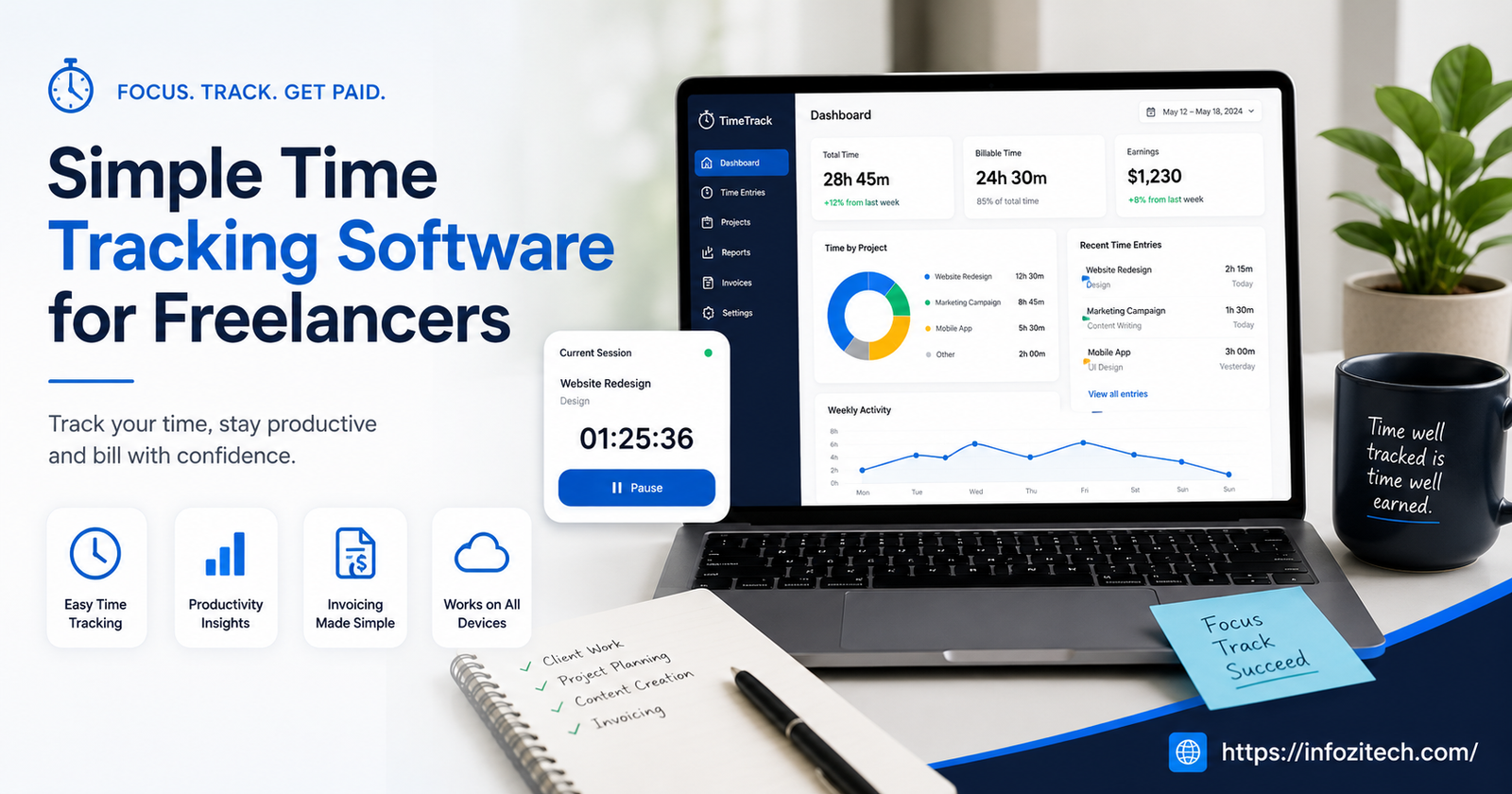
There’s a specific kind of dread that hits at the end of the month when a client asks “so how many hours did you actually put into this,” and you genuinely don’t know. Maybe you scribbled some hours in a notes app three weeks ago. Maybe you didn’t write anything down at all, and now you’re just guessing, rounding up a little because you feel like you worked more than you can prove. I’ve been there. Most freelancers have been there. And the annoying part is, the fix isn’t complicated. You need software that tracks time without turning into a second job itself.
That’s the keyword, actually. Simple. A lot of time tracking tools try to be everything — project management, invoicing, team chat, client portals, the works — and end up being none of those things well, while also being a pain to open every morning. This piece is about the stuff that tracks your hours and gets out of your way.
Why Freelancers Specifically Need This (More Than Employees Do)
Employees clock in and clock out, and someone else worries about the reporting. Freelancers don’t get that luxury.
You’re Billing Your Own Time
If you charge hourly, untracked time is literally money left on the table. Every fifteen minutes you don’t log is time you’re not paid for. Add that up over a year, and it’s a genuinely upsetting number.
You’re Also Estimating Future Projects
Without accurate records, you’re quoting new clients based on vibes. “This usually takes me about a week” is a guess. Actual tracked data from three similar past projects is not a guess; it’s evidence, and it makes your quotes both more accurate and easier to defend if a client pushes back.
Nobody’s Checking Your Work For You
No manager is reminding you to log hours before you forget what you did on Tuesday. The system has to basically remind itself, which is exactly what good time tracking software should do.
What “Simple” Actually Means in a Time Tracker
Before getting into specific tools, it’s worth defining what simple actually looks like, because everyone’s version of simple is a little different.
One-Click Start and Stop
If starting a timer takes more than one click or tap, it’s already too complicated. You should be able to hit start the second you open a document or a piece of code, not navigate three menus first.
Clear, Exportable Reports
You need to be able to pull a report — daily, weekly, per client, whatever — and export it as a PDF or spreadsheet without wrestling with settings. If generating an invoice-ready summary takes twenty minutes, the tool has failed at its one job.
Doesn’t Require You to Learn a New System
Good time tracking fits into how you already work. It shouldn’t demand you restructure your whole workflow around tags, categories, and nested projects just to log two hours of writing.
The Actual Tools Worth Looking At
Toggl Track
Probably the most recommended option for a reason. The interface is about as clean as time tracking gets: one button, a timer, done.
What Makes It Work for Freelancers
- Free plan covers most solo freelancer needs without pushing you toward upgrading constantly
- Reports break down by client and project automatically, which makes invoicing painless
- Browser extension lets you start a timer straight from whatever tab you’re working in, so you’re not switching apps constantly
The One Catch
The free plan gets a little limiting once you’re juggling a bunch of clients and want more detailed reporting. Not a dealbreaker, just something to know going in.
Clockify
If budget’s tight, or you just don’t want to pay for time tracking at all, Clockify’s free tier is genuinely generous.
- Unlimited projects and unlimited users even on the free plan
- Reports are solid, exportable, and don’t feel stripped down compared to paid competitors
- Slightly busier interface than Toggl, worth knowing if you want maximum simplicity
Harvest
Leans a bit more toward invoicing directly, which some freelancers love, and others find unnecessary if they already invoice elsewhere.
Why People Stick With It
- Time tracking flows directly into invoice creation, so you’re not copying numbers between two separate tools
- Integrates cleanly with a bunch of project management apps if you’re already using something like Asana or Trello
- Timesheet approval features exist if you ever bring on subcontractors, though most solo freelancers won’t need this
Where It Falls Short for “Simple”
It’s slightly more feature-heavy than something like Toggl, so if pure minimalism is the goal, this might feel like a step up in complexity you didn’t ask for.
Timely
A different approach entirely. Instead of manually starting and stopping timers, Timely tracks activity in the background and builds a timeline you review and confirm later.
- Removes the “oh no I forgot to start the timer again” problem completely
- Good for people who genuinely forget to track time no matter how many reminders they set
- Slight learning curve since it works so differently from a traditional start-stop tracker
A Plain Spreadsheet
Sounds almost like a joke to include here, but honestly, for some freelancers, especially those with very few clients and simple billing needs, a well-built spreadsheet with a few formulas does the job fine. Zero cost, zero new app to learn, and you already know how to use it.
The catch is discipline. Software nudges you. A spreadsheet just sits there waiting for you to remember, which works for some people and completely fails for others.
How to Actually Pick One
Match It to How You Bill
If you bill hourly across multiple clients, something like Toggl or Clockify with strong per-client reporting matters a lot. If you bill flat rate per project and just want internal data for your own estimating, almost any of these tools will do, even the spreadsheet.
Consider Where You Already Work
If your whole workflow lives in the browser, a browser extension tracker like Toggl fits naturally. If you’re deep in a project management tool already, something that integrates directly, like Harvest, saves you a step.
Test the Free Plan Before Committing
Every tool mentioned here has a usable free tier. Actually track a real week of work using it before deciding, don’t just look at the feature list and guess. The way something feels in daily use matters more than what’s written on the pricing page.
Building the Habit, Because the Software Alone Won’t Save You
Start the Timer Before You Start the Work
Sounds obvious, but the number one reason time tracking fails isn’t the software, it’s forgetting to hit start. Make it the very first thing you do, before opening email, before checking Slack, before anything else.
Review Weekly, Not Just Monthly
Waiting a full month to look at your tracked hours means you’ve lost the context behind gaps or weird entries. A five-minute Friday review catches mistakes while you still remember what actually happened that day.
Don’t Over-Categorize
It’s tempting to build twenty different project tags and categories. Resist it. Three or four broad categories per client is usually plenty. Over-categorizing just adds friction to something that’s supposed to be quick.
What Happens Once You Actually Start Tracking
The first month or two is usually a bit of a wake-up call. Most freelancers discover they’re spending more time than they thought on admin work, emails, and “quick calls” that weren’t quick at all. That’s uncomfortable at first, honestly, but it’s exactly the data you need to price your work properly and protect your actual billable hours going forward.
Final Thoughts
You don’t need a complicated system to track your time well, you need a simple one you’ll actually stick with. Whether that’s Toggl’s one-click simplicity, Clockify’s generous free plan, Harvest’s invoicing integration, Timely’s background tracking, or honestly just a spreadsheet you update religiously, the tool matters less than the habit around it. Pick something today, start the timer on your next task, and give it two weeks before judging whether it’s working. That’s usually enough time to know if you’ve found the right fit or if you need to try something else.
./4_files/saved_resource.html






2 thoughts on “Simple Time Tracking Software for Freelancers”