
Small Business Password Management: A Practical Guide for Teams That Don’t Have Time for This
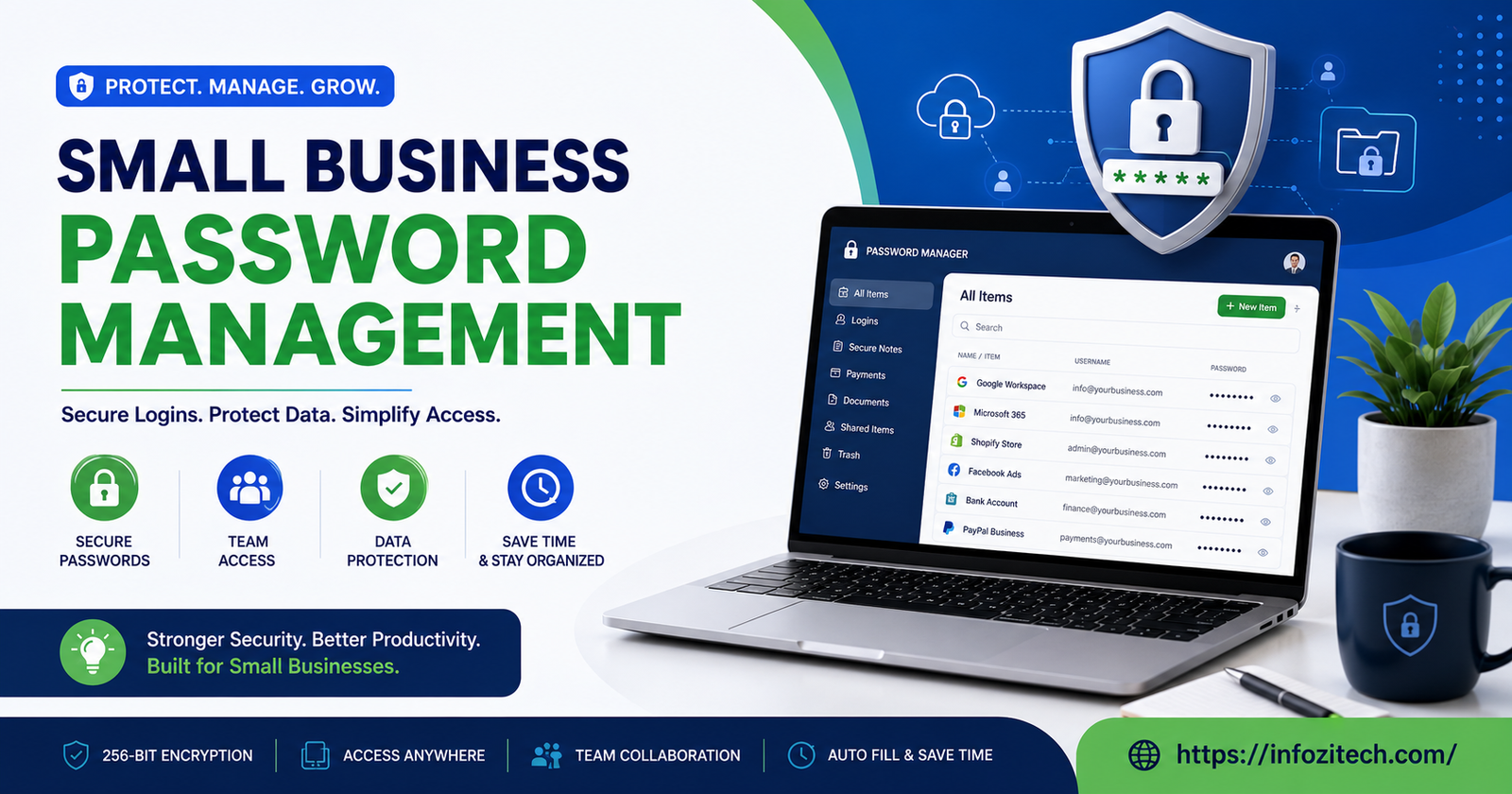
Somewhere in every small business there’s a document. Maybe it’s a spreadsheet, maybe it’s a sticky note stuck to a monitor, maybe it’s a shared note in someone’s phone that three former employees still technically have access to. That document has the Wi-Fi password, the social media logins, the payroll portal, probably the bank too. Nobody planned it this way. It just sort of happened, one login at a time, until one day someone asks “wait, who else can get into this?” and nobody has a good answer.
That’s the actual starting point for most small businesses thinking about password management. Not a security audit. Not a compliance requirement. Just a moment of realizing the current system, if you can call it that, is held together with habit and hope.
This is a rundown of what actually works — the tools, the policies, the rollout mistakes that trip teams up — without pretending you’ve got an IT department standing by to enforce any of it.
Why This Actually Matters More Than It Feels Like It Does
Small businesses tend to assume they’re not a target. Too small to bother with, right? Hackers want the big fish. Except that’s backwards, mostly. Small businesses get hit constantly precisely because the defenses are thinner. No dedicated security team, reused passwords across a dozen tools, an ex-employee’s login that never got revoked. Attackers know this. Automated tools scanning for weak credentials don’t care how big your company is.
And the damage isn’t abstract. A compromised email account can be used to redirect an invoice payment. A shared social media login, once a former contractor still has it, can post something that costs you a client relationship overnight. None of this requires a sophisticated attack. Most of it just requires someone reusing “Summer2023!” across six different accounts, which, statistically, someone on your team is doing right now.
The Real Problem With How Most Small Teams Handle This
The Spreadsheet Trap
It feels organized. It isn’t, not really. A shared spreadsheet of passwords sitting in Google Drive or Dropbox is basically an unlocked filing cabinet — anyone with edit access can see everything, forever, with no record of who looked at what or when. And spreadsheets don’t get deleted when someone leaves the company. They just sit there, quietly out of date, still granting access nobody remembers to revoke.
Reused Passwords Everywhere
This one’s almost universal. Someone sets up the email account, likes the password, and reuses it for the CRM, the accounting software, maybe even personal accounts too. One breach anywhere in that chain and everything connected to it is exposed. It’s the single most common failure point in small business security, full stop.
No Offboarding Process
An employee leaves. Did anyone actually go through and revoke their access to every tool they touched? Usually not, or at least not fully — someone remembers to disable email, forgets the project management tool, forgets the social scheduler, forgets the shared cloud storage. Months later that access is still sitting there, unused but very much active.
Passwords Shared Over Text or Email
Somebody needs the Wi-Fi password, or the login for the design tool, so it gets typed into a Slack message or a text. It’s fast. It’s also permanently sitting in a chat log that could get compromised independently of the account it describes, and it trains everyone on the team that this is a normal, fine thing to do.
What Good Password Management Actually Looks Like
A Real Password Manager, Not a Workaround
This is the single biggest upgrade a small team can make, and it’s honestly not that complicated to set up. A dedicated password manager generates strong unique passwords, stores them encrypted, and lets you share specific credentials with specific people without ever actually showing them the password in plain text. When someone leaves, you revoke their access in one click instead of hunting down every login they ever touched.
Shared Vaults Instead of One Giant List
Good password managers let you organize credentials into vaults — one for marketing tools, one for finance, one for engineering — so people only see what’s relevant to their role. Nobody in customer support needs the banking login. Nobody in sales needs server credentials. Scoped access isn’t about distrust; it’s just basic hygiene.
Two-Factor Authentication, Actually Turned On
A strong password helps, but two-factor authentication is what stops most account takeovers cold, even when a password does leak somewhere. Most business tools support it now. The setup takes maybe five minutes per account. It’s the kind of thing that feels like overkill right up until it saves you.
A Written Offboarding Checklist
Not a mental note. An actual checklist, even a simple one, that gets run through every single time someone leaves — contractor, part-timer, doesn’t matter. Which tools did they have access to? Has each one been revoked? Fifteen minutes of tedious clicking beats discovering six months later that a former employee still has access to your customer database.
Comparing Password Managers Built for Small Teams
1Password Business
Widely considered the gold standard for small teams that want something polished and easy for non-technical staff to actually use. Shared vaults, solid admin controls, a Watchtower feature that flags weak or reused passwords across the whole team. Pricing sits in the mid-range for business tools, and it’s genuinely painless to onboard people who’ve never used a password manager before.
Bitwarden
The budget-friendly option, and honestly a strong one — it’s open-source, which some IT-minded owners find reassuring, and the free tier is more generous than most competitors offer. The interface isn’t quite as slick as 1Password’s, but the core functionality — shared vaults, two-factor support, secure sharing — is all there.
Dashlane Business
Comes with a built-in VPN and dark web monitoring that alerts you if a team member’s credentials show up in a breach somewhere. That’s a genuinely useful extra layer, though it does push the price a bit higher than some competitors. Good fit for teams that want a bit more baked in rather than assembling several tools separately.
Keeper Business
Leans harder into compliance features and detailed audit logs, which makes it a natural fit for small businesses in regulated industries — healthcare, finance, that kind of thing. It’s more configurable than some competitors, though that flexibility comes with a slightly steeper learning curve during setup.
Rolling This Out Without Everyone Ignoring You
Start With the Highest-Risk Accounts First
Don’t try to migrate every single login on day one — that’s how these rollouts stall out and die quietly. Start with email, banking, and anything tied to customer data. Get those into the password manager and secured with two-factor first. Everything else can follow over the next few weeks.
Make It Easier Than the Old Way, Not Harder
If the new system is more annoying than typing a password from memory, people will quietly go back to old habits within a month, guaranteed. Most password managers have browser extensions that autofill logins, which genuinely makes day-to-day use faster than the old way, not slower. Lean into that when you’re introducing it to the team.
Explain the Why, Briefly
Nobody needs a lecture on cybersecurity fundamentals. A two-minute explanation of what could actually go wrong — a locked-out bank account, a hijacked email chain redirecting a client payment — lands a lot better than a policy document nobody reads past the first paragraph.
Revisit It Every Few Months
Set a recurring reminder, quarterly is reasonable, to check who has access to what. New hires get added, people change roles, contracts end. Access should shift along with all of that, and it rarely does automatically unless someone’s actually checking.
The Bottom Line
None of this requires a big budget or a dedicated IT hire. A decent password manager runs a few dollars per user per month, which is nothing compared to the cost of a single compromised account — lost time, lost trust, sometimes real money walking out the door through a redirected invoice. The bigger obstacle is usually just inertia. The current mess of spreadsheets and reused passwords works, technically, right up until the day it doesn’t.
Pick one tool. Migrate the highest-risk accounts first. Turn on two-factor everywhere it’s offered. Write down an offboarding checklist, even a rough one, and actually use it every time. None of these steps take long individually, but together they close most of the gaps that actually get small businesses in trouble — and unlike a lot of security advice, none of it requires slowing your team down to get there.









3 thoughts on “Small Business Password Management: A Practical Guide for Teams That Don’t Have Time for This”