
Best Free Inventory Software for Small Shops
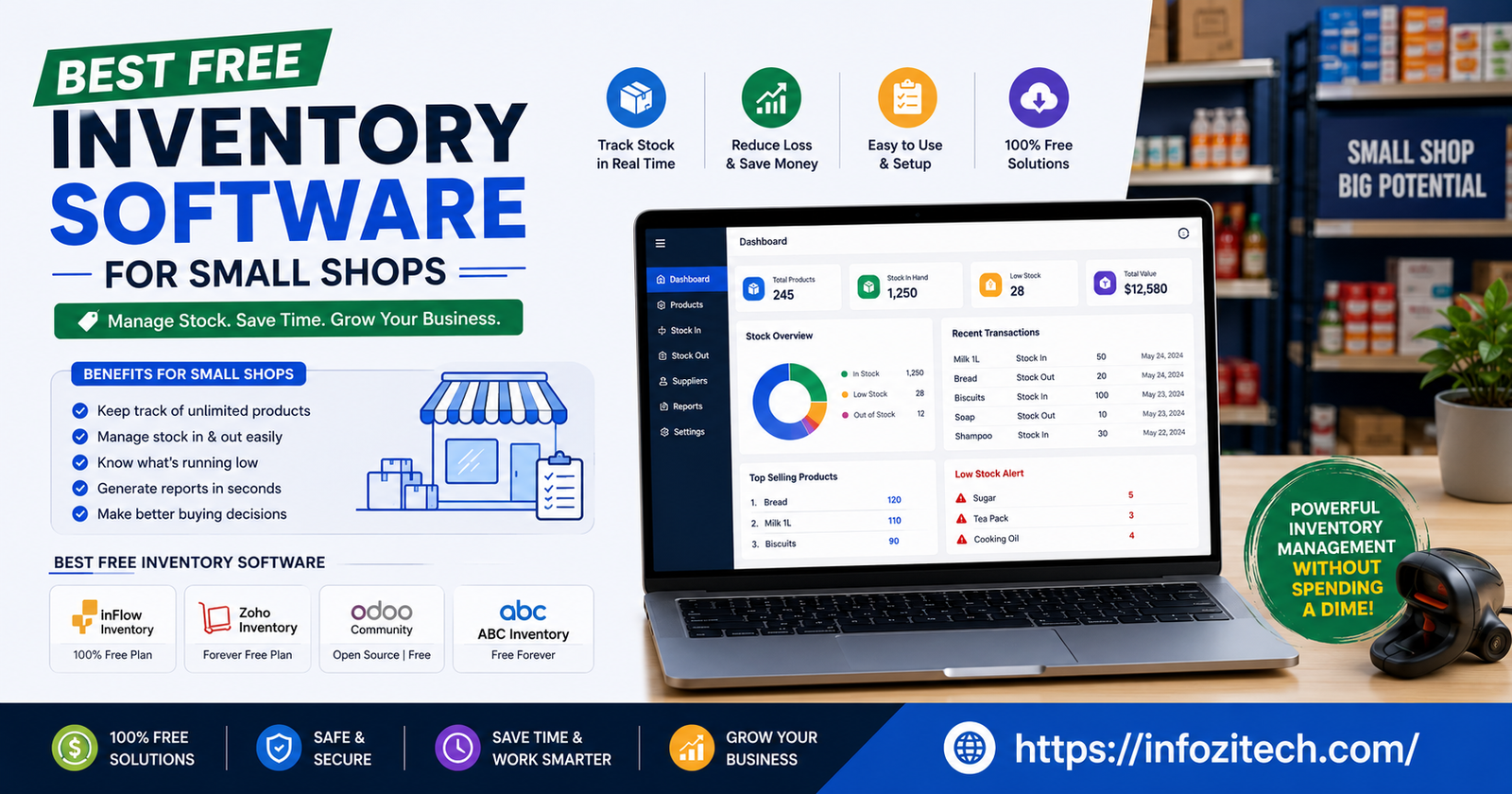
I helped a friend set up her first shop’s back-of-house stuff last year, and she was tracking stock in a notebook. An actual paper notebook, with a pen tied to it on a string like it was 1998. That’s the moment most small shop owners finally go looking for inventory software. Not because they read an article about efficiency. Because something embarrassing just happened and they don’t want it happening again.
The good news is you don’t need to spend money to fix this. There are genuinely usable free inventory tools out there now, not just crippled trial versions that nag you to upgrade after two weeks. Some of them are free forever within certain limits. Others are free tiers of much bigger platforms.
Why Small Shops Put Off Getting Inventory Software
The Notebook and Spreadsheet Trap
Most small shop owners start with whatever’s closest — a notebook, a spreadsheet, maybe a whiteboard by the register. It works fine at low volume. Then the shop grows a little, or you add a second location, or you start selling online too, and suddenly the spreadsheet is three tabs deep, and nobody trusts the numbers in it anymore. That’s usually the breaking point.
The Fear That Software Means a Big Learning Curve
A lot of owners avoid switching because they assume inventory software means weeks of setup and a steep learning curve on top of everything else they’re already juggling. Some tools genuinely are like that. Plenty aren’t.
Real Limits vs. Marketing Limits
Every free plan has a ceiling somewhere — a cap on SKUs, a cap on locations, a cap on users. That’s fine, and honestly expected. What matters is whether the cap is honest about what a small shop actually needs versus a number designed to force you into upgrading almost immediately. A free plan capped at ten products isn’t really usable for a shop. A free plan capped at a few hundred, or unlimited within a single location, usually is.
Integration With What You Already Sell On
If you’re already selling through Shopify, Square, Etsy, or a physical POS system, your inventory tool needs to talk to those platforms without a manual export-import dance every day.
Barcode Scanning and Low Stock Alerts
These two features do more heavy lifting than almost anything else on the feature list. Barcode scanning turns stock counts from a twenty-minute manual chore into something you finish while half-distracted. Low stock alerts mean you’re not the one remembering to check — the system taps you on the shoulder before you’re actually out of something a customer wants.
The Free Tools Actually Worth Considering
Square for Retail
If you’re running a brick-and-mortar shop and already use Square for payments, its free retail plan is close to a no-brainer. Inventory tracking is built directly into the same system handling your sales, so stock counts update automatically the second something rings up at the register. No separate app to remember, no syncing lag. For shops that mostly sell in person, this tends to be the least friction of any option here.
Zoho Inventory
Zoho’s free tier is a strong pick for shops selling across more than one channel — say, a physical location plus an Etsy shop, or Shopify plus Amazon. It connects to the major marketplaces directly, so stock updates across all of them from one dashboard instead of you manually adjusting each platform separately after a sale.
Odoo
Odoo’s free Community edition is the deep end of this list, in a good way if you’re ready for it. It supports multiple warehouses, cycle counting, and barcode scanning, and it connects to related business functions like purchasing and manufacturing if your shop needs that. The tradeoff is setup — Odoo rewards patience and a bit of technical comfort more than the simpler tools on this list do. If you’ve got a straightforward single-location shop, it might genuinely be more than you need. If you’re running something more layered, it’s one of the most capable free options out there.
Loyverse
Loyverse is built with small, simple shops in mind, and it shows. Setup is fast, the interface doesn’t try to impress you with complexity, and it handles the basics — stock counts, low-stock alerts, sales-linked inventory updates — without burying them under menus.
Sortly
Sortly leans more visual than most of the others on this list — you can attach photos to inventory items, which sounds minor until you’re trying to tell two similar-looking SKUs apart from a warehouse shelf. It’s a good fit for shops dealing in physical goods where a description alone doesn’t quite cut it, and its free tier covers a reasonable number of items for a small operation.
Katana Cloud Inventory
If your shop makes things rather than just resells them — think small-batch goods, custom orders, anything with a bill of materials — Katana’s free plan is worth a look. It’s capped fairly tightly on SKU count and locations, but within that cap it gives you real production planning and raw-material tracking, not a stripped-down demo version. For a small maker just starting to formalize their process, that cap is often plenty.
How to Actually Pick Between Them
Match the Tool to How You Actually Sell
The honest shortcut here: if you sell mostly in person, start with Square. . If your setup is more complex than any of that — multiple warehouses, layered purchasing, real operational depth — Odoo is worth the steeper learning curve. Picking based on how you actually operate saves you from testing five tools before landing on the obvious one.
Don’t Over-Optimize the Free Tier Decision
It’s tempting to spend a week comparing every free plan’s fine print before committing to one. Resist that. Pick the one that matches your situation reasonably well, use it for a month, and see where it actually breaks down for your specific shop. You’ll learn more from thirty days of real use than from another hour of comparison reading, this article included.
What Happens When You Outgrow the Free Plan
Signs You’ve Hit the Ceiling
You’ll usually know. SKU counts creep past the cap, you add a location the free tier doesn’t support, or you need automation the paid tier gates off. That’s not a failure of the free plan — that’s the free plan doing its job, getting you organized and proving out whether the tool fits before you spend anything on it.
Upgrading Is Usually Painless If You Picked Right
The nice thing about starting with a legitimate free tier from a company that also sells paid plans is that upgrading later doesn’t mean migrating your data somewhere new. It’s usually just unlocking more room within the same system you’re already used to. That’s part of why starting with a real free plan, not a disguised free trial, matters so much upfront — it saves you a second setup headache down the road.
Getting Started This Week
Pick one tool from this list based on how your shop actually sells, not which one has the flashiest feature page. Spend an afternoon getting your current stock into it — yes, it’s tedious; do it anyway; it only has to happen once properly. Turn on low stock alerts immediately, before you forget. That’s genuinely most of the setup. The rest is just using it instead of drifting back to the spreadsheet or, worse, the notebook with the pen tied to a string.
Free inventory software isn’t a lesser version of the “real” paid stuff anymore, not the way it used to be. For a small shop still figuring out its actual volume and workflow, it’s often the smarter starting point regardless of budget — because you learn what you actually need before you pay for features you’ll never touch.






2 thoughts on “Best Free Inventory Software for Small Shops”