
Privacy First AI Apps for Home Users
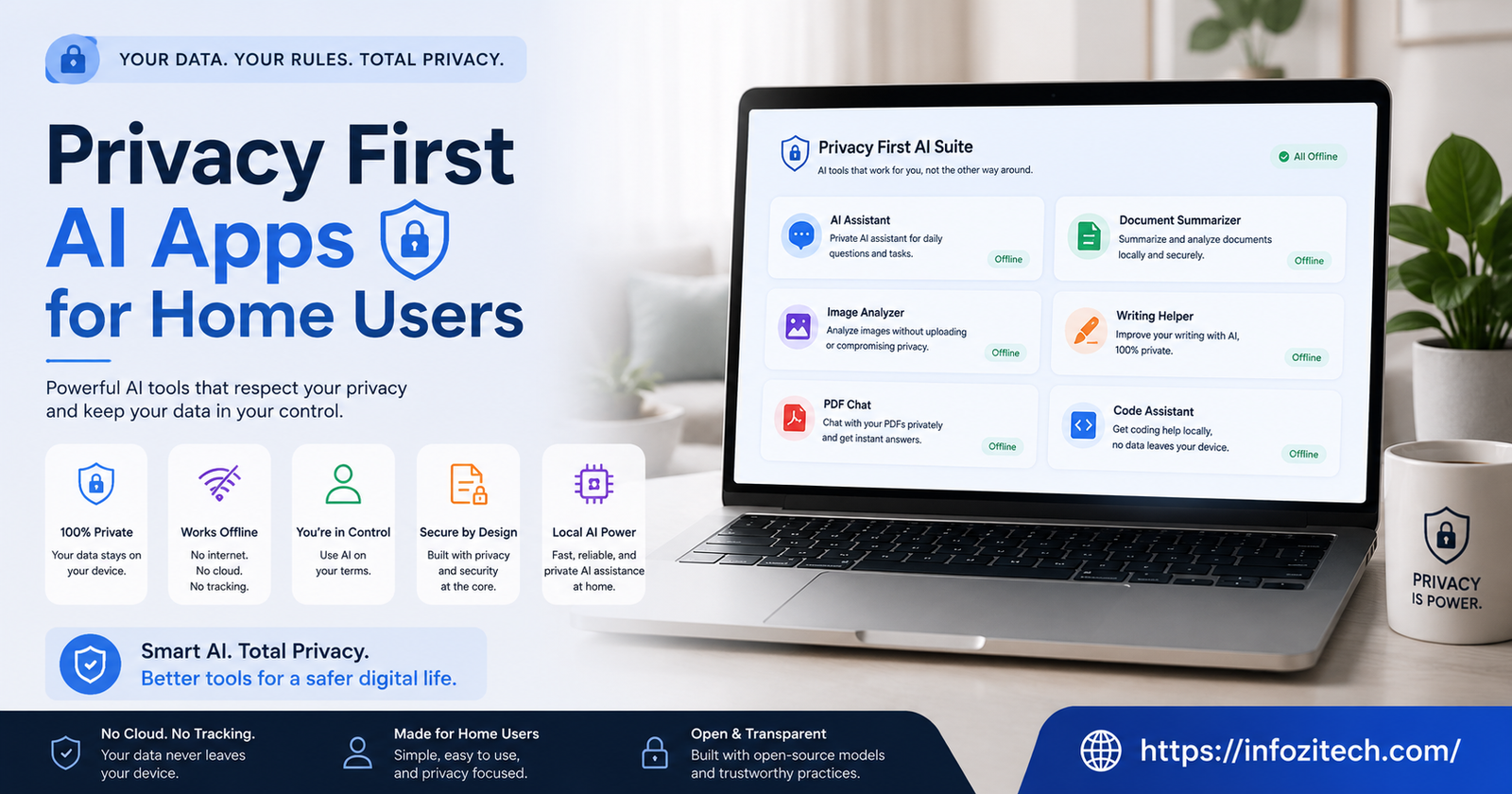
My mother-in-law asked me last Christmas whether the smart speaker in her kitchen was “listening all the time,” and I gave her the honest answer, which is: probably more than either of us would like, technically, depending on settings neither of us had ever gone into. She wasn’t being paranoid. She just wanted a straight answer, and it took me longer to give her one than it should have, because most of these products don’t make it easy to know what’s actually happening with your voice, your photos, your search history, once it leaves your device.
That conversation’s basically why I started paying closer attention to which AI apps in a home actually keep things local versus which ones just say “privacy” in the marketing copy while quietly shipping everything to a server somewhere. There’s a real gap between those two categories, and it’s bigger than most people assume until they go looking.
This isn’t a scare piece about AI being dangerous or anything like that. It’s more practical than that — here’s what “privacy first” actually means when it’s not just a buzzword, and which apps for regular home use are worth trusting with that label.
What “Privacy First” Actually Has to Mean
It’s Not Just a Line in the App Description
Plenty of apps slap “privacy-focused” somewhere in their marketing without it meaning much of anything concrete. The phrase that actually matters is on-device processing — meaning the AI work, whatever it is, happens on your phone or laptop or smart home hub itself, not on a server owned by the company that made the app. If your data has to travel anywhere for the feature to work, that’s not really privacy-first, whatever the landing page claims. That’s privacy-adjacent, maybe, at best.
The Test Worth Actually Running
Before trusting any app with that label, it’s worth checking one specific thing: does the feature work with your wifi turned off? If yes, genuinely local. If no, something’s leaving your device, and it’s worth knowing what and why before you decide whether that tradeoff’s fine for you. Some things genuinely need a connection — real-time translation pulling from massive models, say — and that’s a fair tradeoff if you know it’s happening. The problem is when it’s happening quietly, and the marketing implies otherwise.
Home Assistants and Smart Speakers
Where the Big Names Actually Stand
Alexa and Google Home process most voice commands in the cloud, full stop, and no amount of settings-menu digging changes that fundamentally, though both have added some on-device processing for basic wake-word detection over the past couple years. That’s better than nothing, but the actual command — what you said, what you asked for — still usually travels off the device to get processed and answered.
Home Assistant, the open-source project (different thing entirely from Amazon’s “Alexa” branding, confusingly similar name), can be set up to run voice processing locally if you’re willing to put in setup time and maybe buy a bit of extra hardware for the local processing to actually run on. It’s not plug-and-play the way Alexa is, not even close, but for someone who genuinely cares about this, it’s the most complete local option that actually exists right now for a full smart home setup.
The Middle Ground Nobody Talks About Much
Apple’s on-device Siri processing, expanded significantly in the last couple of years, handles a decent chunk of requests directly on your iPhone or HomePod without a round trip to Apple’s servers. Not everything — complex requests still go out — but simple stuff, timers, basic questions, device controls, mostly stays local now. It’s a genuinely underappreciated shift, and it happened quietly enough that most people using it don’t even realize it happened.
Photo and File Organization
Where This Gets Genuinely Sensitive
Photo libraries are personal in a way people underestimate until they think about it directly — kids, medical stuff photographed for a doctor, financial documents snapped as a backup, screenshots of things you’d rather not have indexed by a stranger’s server somewhere. AI-powered photo search and organization, the kind that lets you type “beach photos from 2019” and get relevant results, needs to actually understand image content to work, and where that understanding happens matters enormously here.
Apple Photos does its face recognition, scene detection, and search indexing entirely on-device for the most part, which is honestly one of the stronger privacy stories in mainstream consumer tech right now, even though it doesn’t get marketed loudly as a privacy feature specifically — it’s just baked in quietly.
Google Photos, by contrast, does most of this processing in the cloud, which is part of why the search feature feels so powerful — it’s got more computing muscle behind it, not confined to your phone’s chip. Powerful, sure. Also means your photos are being analyzed on Google’s infrastructure, not just sitting there passively. Worth knowing which tradeoff you’re actually making before you pick a default photo app for the whole family.
For the More Hands-On Home User
PhotoPrism and Immich are self-hosted options — meaning you run them on your own hardware at home, like a small server or a spare computer — that do AI-powered photo search and organization entirely under your own roof. Setup’s a real project, not a five-minute thing, and it’s genuinely not for everyone. But if photo privacy specifically is the thing keeping you up at night, this is about as complete a local solution as exists for regular home use right now.
Writing and Document Help
The Everyday Stuff — Emails, Notes, Grocery Lists
A lot of home use for AI these days is smaller than people think — drafting a message to a landlord, summarizing a long group chat thread, organizing a grocery list into categories. For this kind of low-stakes stuff, cloud-based tools are honestly fine for most people, and there’s no need to overthink privacy for a grocery list, genuinely.
Where it gets more worth caring about is anything touching medical information, financial planning notes, legal documents, or family stuff you wouldn’t want processed by a company’s servers even in aggregate, anonymized form — because “anonymized” doesn’t always mean what people assume it means.
Local Options Worth Knowing About
Ollama, paired with a local interface like Open WebUI, lets a home user run capable AI models entirely on their own computer for exactly this kind of sensitive drafting and question-answering. It’s more setup than opening ChatGPT in a browser tab, no question, and it needs decent hardware to run smoothly. But for someone drafting something genuinely sensitive — a letter dealing with a family medical situation, say — knowing it never left the house is worth the extra setup friction for a lot of people once they actually think it through.
Voice and Dictation
Typing With Your Voice, Without the Cloud Round Trip
Voice dictation used to mean sending audio to a server and getting text back a second or two later — noticeable lag, and your voice traveling somewhere in the process. That’s changed meaningfully. Whisper, the open-source model originally released by OpenAI, can run entirely on-device now through various apps that wrap it, meaning dictation happens locally with no audio leaving your machine at all.
Apple’s built-in dictation has also moved a lot of its processing on-device over recent updates, particularly on newer hardware with the chip capacity to actually handle it locally. Worth checking your specific device’s settings here rather than assuming, though, because older hardware sometimes still falls back to cloud processing for the same feature, and there’s no obvious indicator in the interface telling you which one’s actually happening at any given moment.
Kids and Family Use — Where This Matters Most
Why the Stakes Are Different Here
Everything above applies more urgently when kids are involved, and I think most parents underestimate this until it’s pointed out directly. Voice assistants in a house with children are picking up far more than adult commands — background conversations, questions kids ask that maybe shouldn’t be sitting on a server somewhere indefinitely, homework help requests that might reveal more about a family’s situation than anyone intended to share.
If there’s one place in a home setup where the on-device test really matters, checking whether it works with wifi off, this is it. Worth spending the extra twenty minutes in settings to actually find out, rather than assuming the defaults are fine because the box said “family-friendly” somewhere on the packaging.
Setting Realistic Expectations
You Won’t Get to 100% Local, and That’s Probably Fine
Going fully local for every single AI feature in a home is possible but genuinely impractical for most families — you’d be running your own servers for half of this, and most people don’t want that as a hobby on top of everything else life already demands. The realistic goal is being deliberate about where the line sits. Cloud’s fine for low-stakes convenience stuff. Local matters more for anything genuinely sensitive, and knowing the difference between those two categories in your own home is most of the actual work here.
The Habit Worth Building
Check the privacy settings on whatever’s already running in your house before adding anything new — half the “problem” for most families isn’t buying the wrong app, it’s never opening the settings menu on the app they already have. A lot of these tools have local-processing options buried a few taps deep that are off by default, and turning them on costs nothing but a few minutes of poking around.
Wrapping This Up
Privacy-first AI for home use isn’t really about picking one perfect app and calling it done. It’s closer to a running set of small decisions — this stays local, that’s fine in the cloud, this one needs an actual settings check before I trust it around the kids. None of it requires becoming a home server hobbyist unless that genuinely interests you. Mostly it just requires actually looking at what’s happening under the hood before assuming “privacy-focused” on a box or an app store listing means what it sounds like it means. Start with whatever’s already running in your house. Check the settings. Go from there.








2 thoughts on “Privacy First AI Apps for Home Users”