
Private AI Chat Tools Without Cloud: 10 Options That Never Leave Your Device
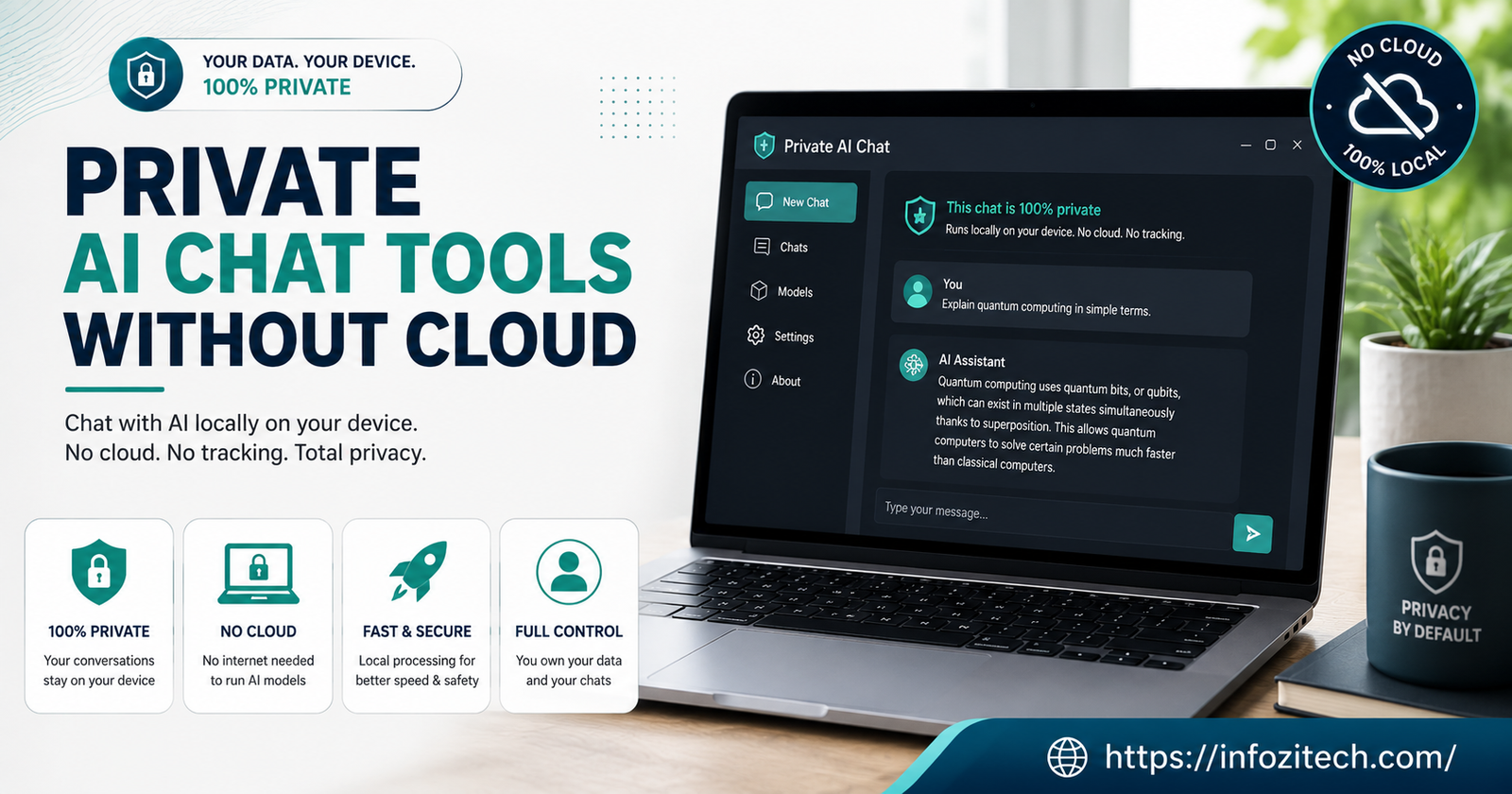
A friend of mine works in semiconductors. A couple of years back, her whole company banned outside AI tools overnight because someone had pasted proprietary source code into a chatbot just trying to get help debugging it. That code sat on a vendor’s server after that. However briefly. Nobody could really say what happened to it after, and that’s the part that stuck with everyone more than the ban itself did. She brought this up to me again recently, half joking, half not, asking if there was actually a way to get AI help without that risk hanging over it.
There is. More ways than I expected when I first went looking, actually.
This isn’t a “just trust the privacy policy” kind of list, I want to say that up front. Every tool below either runs the model on your own machine, full stop, or is built so your prompts genuinely aren’t sitting on someone else’s server for a company to look at, log, or fold into training later. Some of these need real hardware to run well. Some run fine on a phone. I’ll flag which is which as I go, no glossing over the annoying parts.
Why “No Cloud” Actually Matters Here
Worth stopping on what “cloud” even means before the list starts, because people throw the word “private” around pretty loosely these days and it’s started to mean almost nothing.
When you type into ChatGPT, or Gemini, or basically any consumer AI chat app, your message travels somewhere else, gets processed on a server that isn’t yours, and a response comes back. Somewhere in that round trip — depending on the company, your account settings, stuff you probably never read — your prompt might get logged, get reviewed by a human for quality checks, or get folded quietly into whatever they train the next version on. None of that is usually malicious. It’s just how the product is built, and most people never think about it until suddenly there’s a reason to.
Running AI without the cloud flips all of that. The model lives on your hard drive. Or, if it’s not literally on your machine, the whole pipeline is built so nothing leaves your network in a form anyone else can actually read. No middle server holding a copy of what you said, sitting there indefinitely or not, who knows. Matters a lot if you’re dealing with client work. Medical stuff. Legal drafts. Or honestly, sometimes it’s just a conversation you’d rather not have living in someone’s server logs forever, and that’s a completely fine reason on its own.
One more thing before the list. This isn’t about paranoia for its own sake; I keep having to clarify that when I bring this topic up with people. Plenty of what you’d type into an AI chat is totally fine to send anywhere. Recipe ideas. Trip planning. None of that needs a local model standing guard over it. The point is narrower than “cloud AI bad” — it’s that for a specific slice of what people type into these boxes, having a local option actually matters, and most people don’t even know the option exists yet, let alone that it’s gotten this good this fast.
Fully Local Chat Apps — the Model Lives on Your Computer
1. Jan
Jan’s become one of my default recommendations for people who want local chat without wading into a steep learning curve first. Cross-platform, no account required anywhere, and there’s no telemetry quietly phoning home behind the scenes. It also does something small but genuinely useful, which is to look at your actual hardware and nudge you toward a model size that’ll run without a fight, instead of letting you download something enormous and regret it an hour later when your laptop’s fans sound like a small aircraft.
2. GPT4All
Built around CPU-only inference from day one, so it doesn’t fight machines without a dedicated graphics card the way some newer tools quietly do. Single installer. Works offline the second setup finishes. There’s a LocalDocs feature that lets you point it at your own files and ask questions against them, which honestly I use more than I expected to. Development’s slowed down some compared to newer tools on this list, worth knowing that going in, but for plain local chat it still holds up fine.
3. LM Studio
Probably the most polished all-in-one app here. Strong built-in model browser, so you’re not hunting forum threads for download links at midnight like I used to. Runs an OpenAI-compatible local API server too, useful later if you want other software talking to your local model. Not open source — some people care a lot about that, some don’t care at all, your call. Worth saying clearly though: it’s an excellent model runner, not really a full assistant. No persistent memory. No calendar hooks. Nothing beyond the chat window itself. Fine, if a chat window is genuinely all you wanted.
4. Ollama
Closer to plumbing than a chat app, and honestly that’s kind of the whole point of it. Runs models through a simple command line, or more recently through an actual desktop app if the terminal was scaring you off before (it scared me off for a while, no shame in that). It’s become something like the default backend a lot of other tools quietly build on top of. If you want the leanest setup with nothing extra bolted on and don’t mind a slightly more technical first hour, this is usually where technical users land eventually anyway.
5. HuggingChat
Hugging Face’s own chat interface, leaning into open, auditable models with a pretty clear privacy stance around what happens to your conversations after you hit send. Not the same zero-knowledge guarantee as a model running entirely on your own hardware — I want to be honest about that distinction; it matters — but it’s a meaningfully different posture than a typical closed commercial chatbot, and a decent middle ground if a full local setup feels like too much right this second.
Private Chat Without a Full Local Setup
Not everyone wants to manage model files and driver versions and quantization formats, and honestly that’s a completely reasonable place to land. A couple tools split the difference nicely.
6. DuckDuckGo AI Chat
No account needed. No conversation history saved by default. DuckDuckGo’s been explicit that prompts aren’t used to train whatever model sits underneath. Think of it as the incognito mode of AI chat, basically — fast, private-by-default, not really built for long ongoing projects or anything you’d want to save and come back to next week.
7. Proton’s AI Assistant
Comes from the same team behind Proton Mail, so the privacy instincts carry straight over from that. Zero-access encryption on saved chats, strict no-logs policy. If you already trust Proton with your email, extending that same trust to an AI assistant is a small leap, not a big one, and it’s one of the friendlier options if you want privacy without touching a terminal at all, ever.
Self-Hosted, for People Who Want Full Control
8. LibreChat
Open-source; you run it on your own server. Pick which model providers to connect, or point it entirely at local models with zero external connections if that’s the actual goal here. Privacy ceiling is arguably the highest of anything on this whole list — set it up right and genuinely nobody else ever sees your data, not even in theory. The catch, and it’s a real one, not a small footnote: “set it up right” is doing an enormous amount of work in that sentence. This is not a five-minute weekend install; don’t go in expecting that.
9. AnythingLLM
Sits somewhere between a document-chat tool and a fuller local AI workspace. Clean interface. Decent fit if you’re already comfortable with local deployment, though it does assume more technical comfort than something like Jan does. Good pick specifically if the goal is chatting with a pile of your own documents rather than open-ended conversation for its own sake.
10. PrivateGPT
The open-source name most tied to “chat with your own documents” as a whole category at this point. Went through a full relaunch this year that folded a couple years of separate enterprise development back into the public project — still one of the most established options around if document-grounded private chat is specifically the job, rather than general conversation.
Picking Between These Without Overthinking It
Here’s roughly how I’d sort through this, based on what actually matters day to day rather than a spec sheet nobody reads all the way through.
Want the least technical setup possible, don’t mind occasionally connecting for updates? Proton’s assistant or DuckDuckGo AI Chat. Neither one asks you to think about models or hardware at all, which is the whole point.
Got a decent laptop, no GPU necessarily required, want the model actually sitting on your machine? Start with Jan or GPT4All. Both feel close to a normal app install, nothing scary about either one.
Technical, or getting there, want the leanest possible foundation to build other stuff on top of later?
Want full control, nothing anywhere near a third party, comfortable with an actual setup project? LibreChat or a self-hosted PrivateGPT instance gets you there. Just don’t expect that to be a quiet weekend afternoon your first time through it, because it usually isn’t.
A Few Honest Tradeoffs
Local models are smaller than the giant cloud ones. That shows up in subtler reasoning tasks especially, the stuff that needs a lot of context held at once. Not a flaw in these tools exactly — more just physics. A model running on your laptop’s CPU isn’t going to match one running on a server farm built for exactly this one job and nothing else.
Setup friction is real for anything self-hosted. LibreChat and PrivateGPT reward you with the strongest privacy posture on this list, but they also ask the most of you upfront, and skipping steps to save time tends to quietly undercut the exact privacy you set out to get. Kind of defeats the purpose if you rush it.
And “private” isn’t one single fixed thing, whatever the marketing copy implies. Zero telemetry is different from no training on your data, which is different again from full local inference. Worth actually reading the specifics for whichever tool you land on, rather than assuming the word “private” on the landing page covers everything you personally care about.
Hardware matters more than people expect, too. A model that runs smoothly on a Mac with unified memory might crawl on an older Windows laptop with the same RAM number on paper — just because the memory’s architected differently underneath, and that trips people up constantly. If a tool feels sluggish, it’s not always the software’s fault. Sometimes it really is just the machine, and swapping to a smaller quantized model fixes more of these complaints than people assume before they actually bother trying it.
Wrapping This Up
My friend from the semiconductor company ended up going with Jan on her personal laptop, and a self-hosted LibreChat setup at home for anything heavier. Seems happy with both, last I checked. Your situation’s probably different, and that’s completely fine — the right pick here really does depend on how much setup you’re willing to sit through versus how airtight you actually need the privacy to be for what you’re doing. Either way, there’s not much of an excuse left to hand sensitive conversations to a server you don’t control, if you’d rather not. The tools have genuinely caught up. Took long enough, but they have.








3 thoughts on “Private AI Chat Tools Without Cloud: 10 Options That Never Leave Your Device”