
Free Tools for Startup Budgeting: 11 Options That Won’t Cost You a Dime
I once watched a founder friend of mine open her banking app in the middle of a coffee meeting, just to check if a payment had cleared, because she genuinely didn’t know how much runway she had left. Not a made-up number. She didn’t know. That’s the moment that convinced me most startups don’t have a budgeting problem so much as a “nobody wrote it down” problem. Money is tight in year one; that part everyone knows. What people don’t expect is that half the tools claiming to fix it want a monthly fee. You’re looking to save money, and the solution wants its share. Funny, in a bleak way.
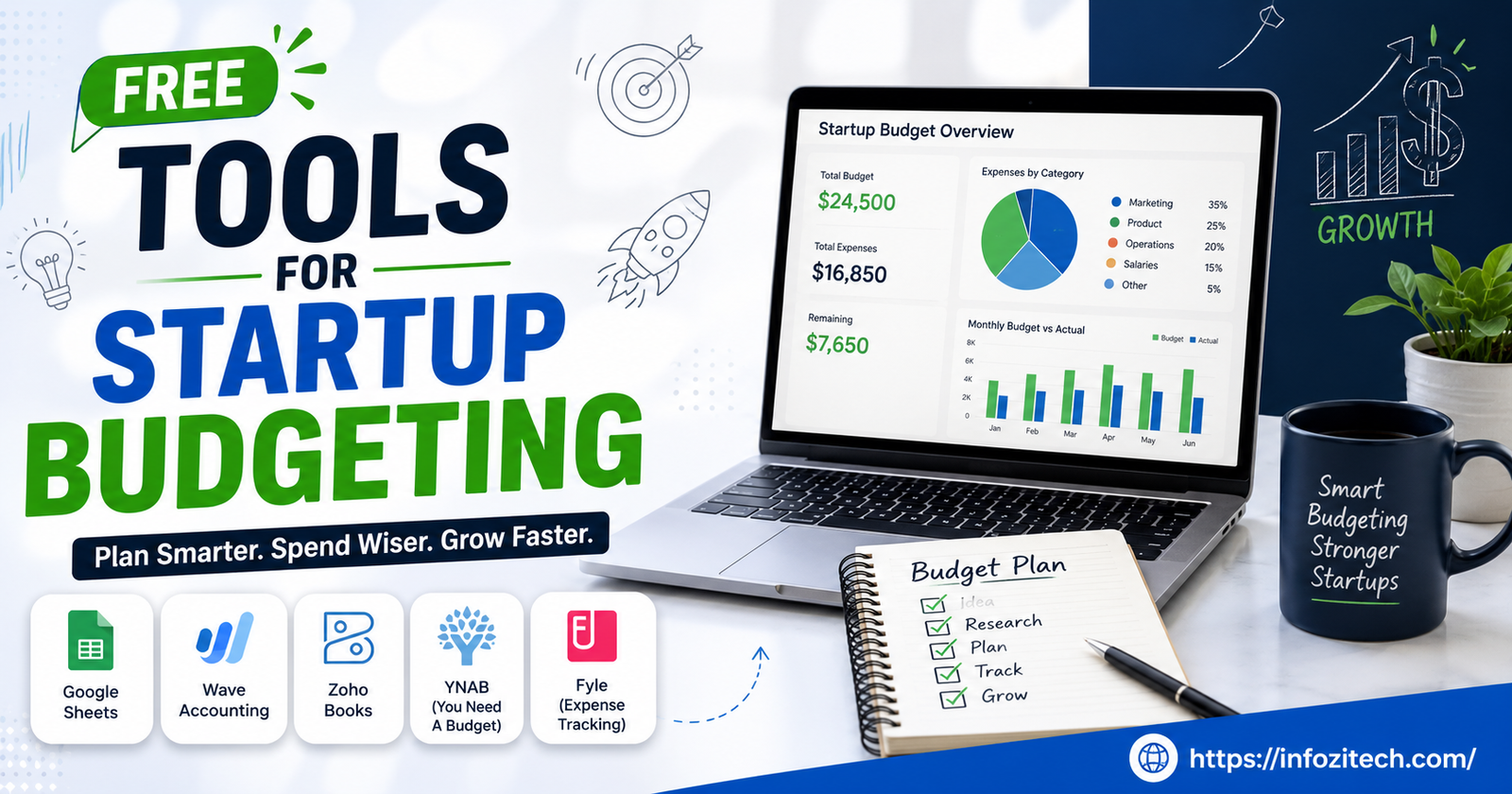
Here’s the thing though. You don’t need a $50-a-month app. There are free tools for startup budgeting that get you through the scrappy stage just fine, and some founders never leave them even once they could afford something nicer.
So this is a walkthrough. What’s worth trying, what each one is actually for, and a bit on how to think about budgeting so you’re not just filling boxes in a spreadsheet because someone told you to.
Why Budgeting Matters More in the Early Days Than Later
People assume budgeting is something you grow into. Like it’s for bigger companies with a finance department and a controller who yells at you in Slack. Backwards, actually. Early-stage startups have zero room for error. A round might need to stretch 18 months. One bad month of spending and suddenly you’re choosing between payroll and the AWS bill.
A budget isn’t about pinching pennies for the sake of it either. It’s about knowing your actual runway in real numbers, and what happens if a client walks or a hire doesn’t pan out. Founders who track this early make calmer decisions later. Not because they’re smarter. Because they’re not guessing anymore.
The Core Things a Startup Budget Should Track
Before the tool talk, quick list of what you’re actually capturing:
- Fixed costs — rent, subscriptions, salaries, the stuff that doesn’t move
- Variable costs, contractors, ad spend, and the random one-off purchase nobody planned for
- Revenue, yes even the small inconsistent kind
- Runway. How many months of cash at current burn? This is the number that matters most, and somehow the one people check least
- Known upcoming expenses, renewals, taxes, and equipment you forgot about until the invoice showed up
Know what you’re tracking first. The tool choice gets a lot easier after that.
Spreadsheet-Based Tools (Still the Backbone for Most Founders)
Spreadsheets get dumped on constantly, but for a one- or two-person startup they’re honestly the fastest option out there. No onboarding call. No demo. You just build it the way your business actually runs.
Google Sheets
Free, browser-based, and weirdly underrated as a budgeting tool. You can build a monthly budget, a cash flow forecast, a runway calculator; none of it needs a paid plugin. Search “startup budget template Google Sheets” sometime, and you’ll fall a rabbit hole of templates made by other founders and a few accountants who clearly had too much time on their hands.
What you get that dedicated software doesn’t give you is control. You decide what’s tracked and how it looks. Downside, obviously, is setup time, and there’s no automatic bank sync unless you bolt on a connector yourself.
Microsoft Excel (Free via Excel Online)
If your team already lives inside Microsoft’s world for whatever reason, Excel Online covers most of what Sheets does. Free. Slightly stronger formulas and pivot tables if that’s your thing. Good pick if you came from a job that ran on Excel and you don’t want to relearn an interface for no reason.
Baremetrics’ Free Startup Templates
Baremetrics sells subscription analytics software, but they give away free budgeting and forecasting templates built specifically for early SaaS founders. Not full software. Just templates. But the categories and formulas were clearly built by someone who’s seen a startup’s books before, which beats a generic template every time.
Dedicated Free Budgeting and Finance Apps
Spreadsheets too much manual labor for you? A handful of apps have free tiers that actually hold up.
Wave Accounting
Probably the most recommended name on this whole list. It handles invoicing and basic bookkeeping too, not just budgeting, so you get one place for money in and money out. And the free tier is actually free — not a 14-day trial wearing a disguise.
Best for small teams and solo founders. Eventually you’ll want payroll integration or heavier reporting and outgrow it, sure, but by then you’ll probably have the revenue to justify paying for something else anyway.
Mint (and Whatever Replaced It)
Mint got sunset in some regions, folded into Credit Karma’s stuff, but I’m mentioning the category anyway because a lot of solo founders in month one are basically budgeting personal and business money in the same breath before they’ve bothered separating accounts. If that’s you right now, a personal finance app like this gives you the full picture, messy as it is.
PocketSmith (Free Tier)
This one’s built around forecasting, not just logging what already happened. The free tier lets you forecast out a limited number of months, which is genuinely the question every founder actually wants answered: if nothing changes, where are we in six months?
Zoho Books (Free Plan)
Free under a certain revenue threshold, and it covers budgeting, invoicing, and expense categorization. A real step up from a raw spreadsheet without committing to a paid plan yet, especially if you already suspect you’ll want fuller accounting features once things pick up.
Cash Flow and Runway Calculators
Budgeting and cash flow forecasting get treated like the same thing, and they’re not. A budget is what you plan to spend. Cash flow is when the money actually moves, which matters a lot when your invoices take 30 or 60 days to get paid, and your rent doesn’t wait that long.
Float’s Free Trial and Community Templates
Float the product costs money. But Float’s community, and the company itself, has put out free cash flow templates that copy a good chunk of what the paid tool does, minus the automation. Fine trade if you don’t need daily bank syncing.
Runway-Style Free Calculators
There are a bunch of free web calculators floating around where you punch in cash balance, monthly burn, expected revenue, and it spits out a number. How many months left. Bare bones, sure, but sometimes bare bones is exactly what a busy founder needs instead of setting up an entire system just to get one answer.
NerdWallet and Similar Business Calculators
Sites like NerdWallet host free budgeting calculators aimed more at small businesses and freelancers than venture-backed startups specifically. Doesn’t matter much though — fixed costs, variable costs, projected revenue, the math underneath is the same regardless of who it was built for.
Notion and Airtable for Founders Who Like Flexibility
Not everyone wants a finance-only tool. Some founders would rather the budget live where everything else already does.
Notion Budget Templates
Notion’s free plan is generous enough for a solo founder or a small team, and there’s no shortage of community-built budget templates you can just duplicate straight into your workspace. The real appeal is that it sits right next to your OKRs and hiring plan instead of being some separate tab you forget exists.
Airtable for Expense Tracking
Same idea as a spreadsheet but with a database underneath, so filtering and tagging expenses gets a lot easier once spending stops being simple. Free tier handles most early-stage needs. Especially useful if you want your budget linked to things like vendor contracts or contractor payments instead of floating on its own.
How to Choose the Right Tool for Your Stage
Too many options at this point probably. Real question isn’t which tool is “best” — it’s which one fits where you actually are right now.
If You’re Pre-Revenue or Solo
Google Sheets or a Notion template, honestly. You don’t need automation this early. You need clarity, full visibility on every number, nothing hidden behind some polished interface pretending to simplify things for you.
If You Have a Small Team and Some Revenue
Wave or Zoho Books make more sense at this point since you’ll want invoicing and bookkeeping alongside the budget itself, and manually updating a spreadsheet every time money moves gets old fast. Trust me.
If Cash Flow Timing Is Your Biggest Risk
Common with long payment cycles or seasonal revenue. PocketSmith, or one of those runway calculators, will serve you better than a general budgeting app here, because timing matters more than categorization when this is your problem.
Common Mistakes Founders Make With Free Budgeting Tools
Free tools only help if someone actually opens them. A few patterns keep showing up:
- Setting it up once and never touching it again. A budget from three months ago isn’t a budget. It’s a historical document at that point, basically a fossil.
- Tracking too many categories. Ten broad categories updated every week beats forty granular ones nobody looks at past the first quarter.
- Ignoring irregular expenses — annual renewals, insurance, taxes, the stuff that shows up all at once and blindsides people who only budgeted for the predictable monthly costs.
- Not separating personal and business finances, especially before incorporation is even finalized. Everyone does this at first. Doesn’t mean it’s a good idea.
Final Thoughts
None of these free tools for startup budgeting replace an actual finance team, and eventually you’ll want something with real automation built in. But for the early stage, when every dollar counts and a bookkeeper isn’t in the budget yet — pun sort of intended — these get the job done.
Don’t try all eleven. Pick the one that fits where you are, set it up properly, and actually look at it every week. A simple budget you check consistently beats a sophisticated one gathering dust, every single time.








3 thoughts on “Free Tools for Startup Budgeting: 11 Options That Won’t Cost You a Dime”