
Cloud Backup Before International Travel: Why It Matters More Than You Think
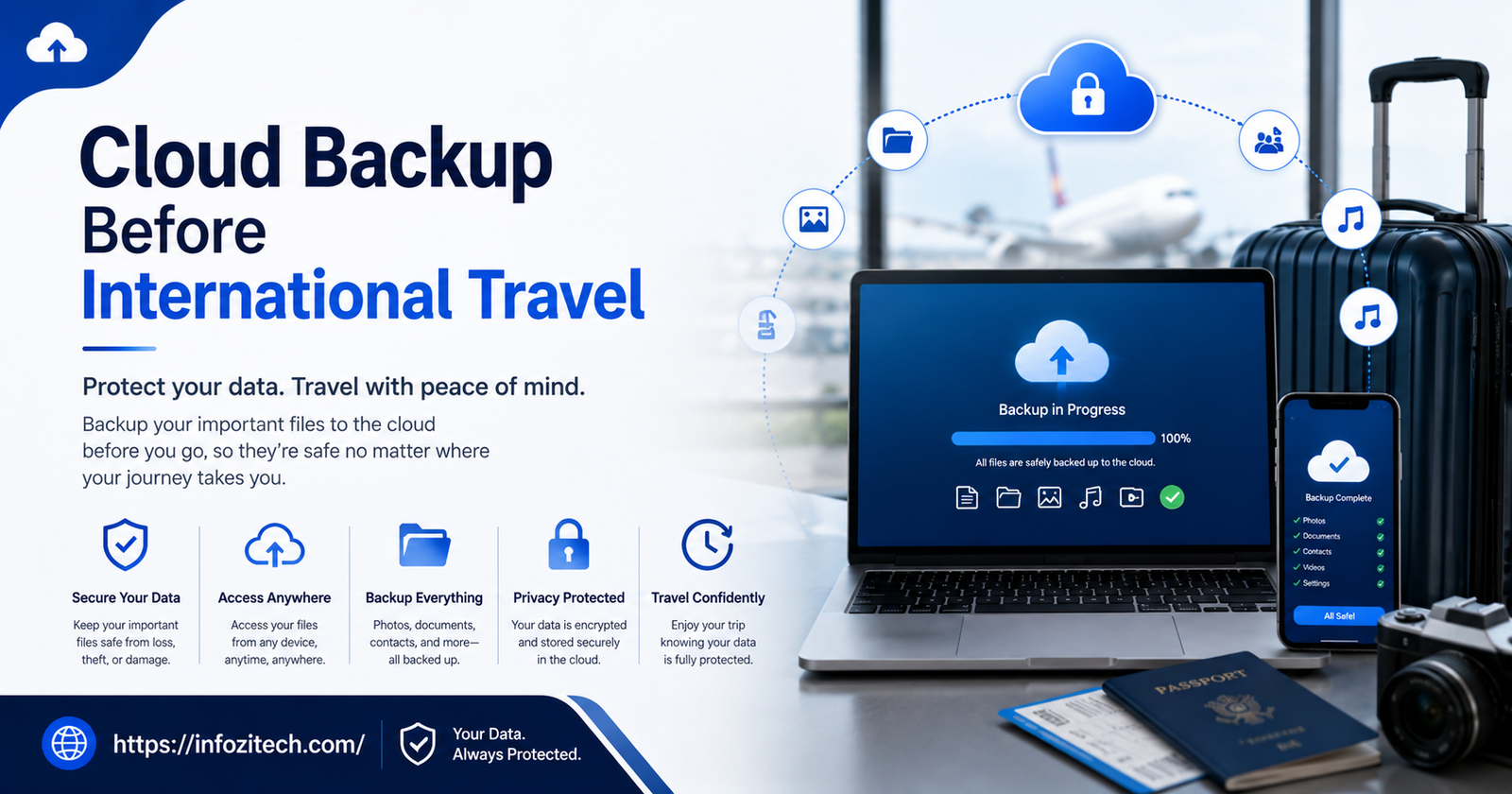
A friend of mine lost her phone in a taxi in Lisbon. Gone. The driver didn’t speak much English, she didn’t have the receipt, and that was that — three weeks of photos from Portugal and Spain, just vanished into whatever glovebox or lost-and-found bin phones go to die in. She cried in the hotel lobby. I remember because I was the one who had to explain to the front desk why my friend was sobbing over a Samsung.
That’s the thing nobody tells you when you’re planning a trip. You’ll spend hours comparing flights, you’ll read six blog posts about the best neighborhood to stay in, you’ll triple-check your visa situation. Then, two nights before you leave, you just… toss your charger in a bag and figure the tech side is handled. It usually isn’t.
Airports lose luggage constantly. Pickpockets go after tourists because tourists are distracted and carrying nice stuff. Phones fall in rivers. Laptops get left on trains. And if everything — every photo, every scanned document, every file — only exists on the one device in your pocket, a single bad afternoon can erase months of work or memories in about four seconds.
Cloud backup fixes this. Not perfectly- nothing’s perfect- but it turns “catastrophic loss” into “annoying inconvenience,” which is a trade worth making. Here’s how to actually set it up, not just the vague “back up your stuff” advice everyone’s already heard a hundred times.
Why This Becomes Urgent Once You Leave Home
Losing a phone at home is annoying. You go to the store, you deal with insurance, maybe you’re without a phone for a day. Abroad, it’s a completely different animal.
You Don’t Have Easy Replacements
At home you know exactly where the phone store is. You know the language, you know the return policy, you probably know someone who works retail who can hook you up. None of that applies when you’re in a country where you don’t speak the language, and you’re moving to a new city in two days anyway. My friend in Lisbon? She spent half a day of her trip just trying to figure out what to even do.
Tourists Are Targets, Full Stop
This isn’t paranoia; it’s just how it works. Pickpockets in busy tourist areas target visitors specifically — people who are jet-lagged, staring at maps, carrying cameras and cash and phones, generally not paying attention the way locals are. Plan around it.
Your Wi-Fi Might Just… Not Work
Spotty hotel Wi-Fi. A SIM card that doesn’t do what the guy at the kiosk promised. Some countries straight up block certain apps or services. If your entire backup plan depends on having a smooth internet connection at the exact moment disaster strikes, well — that’s a plan that can fail right when you need it most. Do the heavy lifting before you leave, while you’ve still got fast, reliable internet at home.
The Data Just Piles Up
A ten-day trip can generate thousands of photos without you even trying. Boarding passes, hotel vouchers, insurance PDFs, scanned IDs, a dozen screenshots of restaurant recommendations someone sent you. All of it lands on a device with limited storage, and the more that piles up, the more likely something gets overwritten or corrupted before you ever get around to backing it up properly.
What You Actually Need to Back Up
Don’t try to remember everything at once. Break it into buckets.
Photos and Videos
Obvious, sure, but worth being specific about. Don’t just back up whatever’s already sitting in your camera roll the night before you fly. Turn on continuous backup so photos you take mid-trip are saved somewhere else automatically, without you having to think about it.
Travel Documents
Passport photo page. Visa. Insurance policy. Vaccination records if your destination requires them. Driver’s license. Printed confirmations for hotels and flights. Scan or photograph all of it and drop it into one clearly labeled cloud folder — something you could find in under ten seconds if you were panicking in an airport, because that’s genuinely the situation this is for.
Financial Info
Card details, your bank’s emergency contact number, backup payment info. Do not just type this into a plain notes app and call it done — that’s basically leaving your wallet open on a park bench. A password manager with cloud sync is the right tool. Use one.
Laptop and Work Files
If you’re bringing a laptop for work, back up the whole drive. Not “the important folder.” You genuinely don’t know what you’ll end up needing until you need it, and by then it’s too late to go back and grab it.
Two-Factor Codes and Account Access
Write down or securely store your backup codes for two-factor authentication on your main accounts. Because if you lose your phone and your authenticator app was tied to that one device, congratulations, you’ve also locked yourself out of your own email while trying to recover from losing your phone. It happens more than you’d think.
Setting Up the Backup — The Actual Steps
A lot of people think “cloud backup” is one single action, like flipping a switch. It’s not. It’s a handful of smaller things done in the right order.
Pick One Main Service and Stick With It
Whatever’s built into your phone’s operating system, or a third-party option if you prefer — doesn’t matter much which one, honestly. What matters is committing to it fully instead of splitting your files across four different apps, which almost always means none of them get backed up completely, and you end up with fragments scattered everywhere.
Automatic, Not Manual
Manual backup depends on you remembering to do it, and you will not remember, because you’ll be tired or rushing for a gate or distracted by a new city. Turn on automatic backup over Wi-Fi, and if your data plan allows it, over cellular too. Take yourself out of the equation entirely.
Do the First Full Backup Before You Even Leave
Don’t wait until you land somewhere to run this for the first time. Do it a few days out, while you’ve got strong home internet. This gives you breathing room to notice if something failed instead of discovering it three time zones away with no fix in sight.
Actually Check That It Worked
This step gets skipped constantly, and it’s the one that matters most. Open the app. Scroll to a recent photo. Confirm it’s really there, not just sitting at “uploading, 40%” forever. A backup that silently failed is arguably worse than no backup, because it gives you false confidence right up until the moment you need it and it isn’t there.
Set Up a Second, Separate Backup Too
Ideally, your stuff exists in three places — on the device, in your main cloud account, and somewhere else entirely. A second cloud service, an external drive sitting safely at your parents’ house, a trusted family member’s storage. If your main account gets locked or that one service has an outage, you’re not staring at nothing.
Matching the Approach to the Trip
Not every trip needs the same setup. A long weekend across a nearby border is not the same as six months of backpacking through a dozen countries.
Short Trips
One reliable photo backup, plus your document scans in a labeled folder. That’s genuinely enough. Confirm it’s working, then go finish packing.
Long-Term or Multi-Country Travel
Get more storage than you think you’ll need, because you always underestimate. Also worth checking, before you go, whether your chosen service even works well — or at all — in the countries on your route. Some platforms run painfully slow in certain regions; some are outright blocked.
Work Trips
If you’re carrying anything remotely sensitive for your job, check whether your company already has a backup and security policy for travel. A lot of employers have specific tools or VPN rules you’re supposed to follow, and it’s better to find that out before you improvise your own system and accidentally violate some IT policy you never read.
Restrictions and Local Rules Worth Knowing
Some countries block or heavily restrict certain cloud services, messaging apps, VPNs — the whole list depends on where you’re going. Look this up before you fly, not after you’ve landed and discovered your main backup app just doesn’t load.
If there’s a real chance of a restriction, set up a backup service that isn’t affected, and check the local rules on VPN use so you’re not caught trying to work around a block in a way that’s actually illegal there. Rules vary a lot more than people expect.
The Security Stuff People Skip
Backing up your data is only half of it. If that backup isn’t secure, you’ve just created a second target instead of protecting the first one.
Unique Passwords, Every Time
Your cloud backup account shouldn’t share a password with anything else you own. If one gets compromised, you don’t want that opening every other door too.
Two-Factor, Always
A second layer means a stolen password alone isn’t enough to get into your photos, your documents, any of it.
Skip the Public Wi-Fi for Anything Sensitive
If you need to upload something while you’re out and about, don’t do it over open airport or café Wi-Fi without a VPN running. Public networks are exactly where data interception happens.
Log Out Everywhere
Used a hotel business center or an internet café to check something? Log all the way out everywhere afterward, and once you’re back on your own device, change the password just to be safe.
Quick Pre-Trip Checklist
Before you head to the airport, run through this:
- Photos and videos on automatic cloud backup, and you’ve confirmed it’s actually running
- Passport, visa, insurance, ID scans saved in one clearly labeled folder
- Financial details in a password manager, never in plain text
- Full laptop backup done over a fast, reliable connection
- Two-factor backup codes saved somewhere you can reach without your phone
- A second, independent backup location set up
- Checked whether your destination restricts any service you’re relying on
Final Thoughts
None of this is about being paranoid. It’s about not letting a stolen bag or a dropped phone or, honestly, a spilled drink on a train turn into losing every photo from a trip you spent months planning for. My friend in Lisbon got a new phone eventually. She never got those three weeks of photos back.
Set it up before you go. Actually check that it worked. Then stop thinking about it and go enjoy the trip../t 1_files/saved_resource.html









1 thought on “Cloud Backup Before International Travel: Why It Matters More Than You Think”