
Business Process Automation for Startups: A Practical Guide to Scaling Without Chaos
Okay, so, a few years back I watched a three-person startup basically lose a whole Tuesday because the founder was manually forwarding invoices from one inbox to another so the bookkeeper could see them. Not because they didn’t have the tech for it. They just… never sat down and connected the two tools. Took fifteen minutes to fix, once someone finally bothered. That’s kind of the pattern with manual work in a young company, honestly. It’s seldom one big dramatic collapse. It’s death by a thousand forwarded emails, a thousand tiny copy-pastes nobody thought were worth fixing.
Startups don’t usually fail because the idea was bad. Most of the time it’s because the founders burned so much of the week on repetitive, low-value stuff that the actual work, the stuff that moves things forward, kept getting bumped to tomorrow. Then next week. Then, well, you know how that goes.
People talk about business process automation like it’s an enterprise thing: big company, big IT budget, big everything. I’d actually argue it matters more for small teams, not less, because a five-person startup can’t absorb waste the way a five-hundred-person company can shrug it off. There’s no spare department sitting around to soak up the slack.
So this is a fairly practical look at what automation actually means for an early-stage company, why “we’ll fix it once we’re bigger” tends to backfire, and how you start without turning it into a six-month side project that swallows your whole roadmap.
What Business Process Automation Actually Means
Business process automation (BPA, if you want the shorthand people throw around) is just software handling the repetitive parts of a workflow so nobody has to redo the same steps by hand, over and over, forever.
Here’s where people get tripped up, though. Buying a tool isn’t the same thing as automating anything. Every startup has software; that’s not really the bar anymore. If someone still has to log in, copy a number, paste it somewhere else, hit save, and do that three times a day? You haven’t automated anything. You’ve just digitized the busywork. It looks modern. It isn’t.
The Difference Between Automation and Just Using Tools
A CRM doesn’t automate your sales process by existing. Someone still needs to drag the deal card over, type the follow-up, and check who’s overdue. At that point the software’s basically a filing cabinet. A nice one. Still a filing cabinet.
Real automation is when the system checks itself without being asked. It notices something changed, it reminds someone, sometimes it just goes ahead and acts; no human needed to remember to press go.
Why This Hits Startups Harder
A big company can throw three or four people at a broken process and barely feel it. A startup usually has one person doing what would be four or five separate jobs somewhere bigger. So when that one person burns an hour a day reconciling numbers by hand or copy-pasting leads between spreadsheets, it’s not just an hour, not really. It’s an hour of product that didn’t ship, a customer call that didn’t happen, a partnership email still sitting in drafts three weeks later.
Why Founders Keep Putting This Off
There’s this idea going around early-stage circles that automation is something you earn later. Hit some revenue number, get the team bigger, then build “real systems.” Right now you’re small, so you just push through it manually, save the fancy stuff for later.
I get why people think this. I don’t think it holds up under any real pressure, though.
The “We’ll Deal With It Later” Trap
Manual processes have this weird habit of quietly becoming the company culture before anyone even clocks it. Spend two years reconciling expenses in a spreadsheet, and suddenly that’s just how things are done; nobody questions it, it’s invisible at that point. By the time the company’s big enough to justify actually fixing it, you’ve got years of workarounds baked into everything, weird tribal knowledge two people carry around in their heads, messy, inconsistent data nobody trusts fully. What would’ve taken an afternoon back in year one now eats an entire quarter.
Kind of like putting off cleaning a closet because you’re busy. Six months later it’s not a twenty-minute job anymore. It’s your whole Saturday, gone, and you’re still finding stuff you forgot you owned.
What Manual Work Really Costs You
Five minutes doesn’t sound like much on its own, I know. But do that same task fifteen times a day, every single day, across even a small team, and you’re bleeding over an hour of real work daily. Now stack that across invoicing and onboarding, support replies, and reporting. It adds up faster than people expect, and it’s basically invisible because nobody’s tracking “hours lost to copy-paste” anywhere on a spreadsheet. It just quietly disappears.
Where to Actually Start
You don’t need everything automated at once; please don’t try that. Genuinely, don’t. The goal isn’t some fully robotic company by Friday; it’s finding the boring, repetitive, rule-based tasks and knocking those out first, one at a time.
Picking the Right Processes
Rough rule I use: if you’re doing the same thing more than a handful of times a week and it doesn’t require actual judgment, it’s a decent candidate.
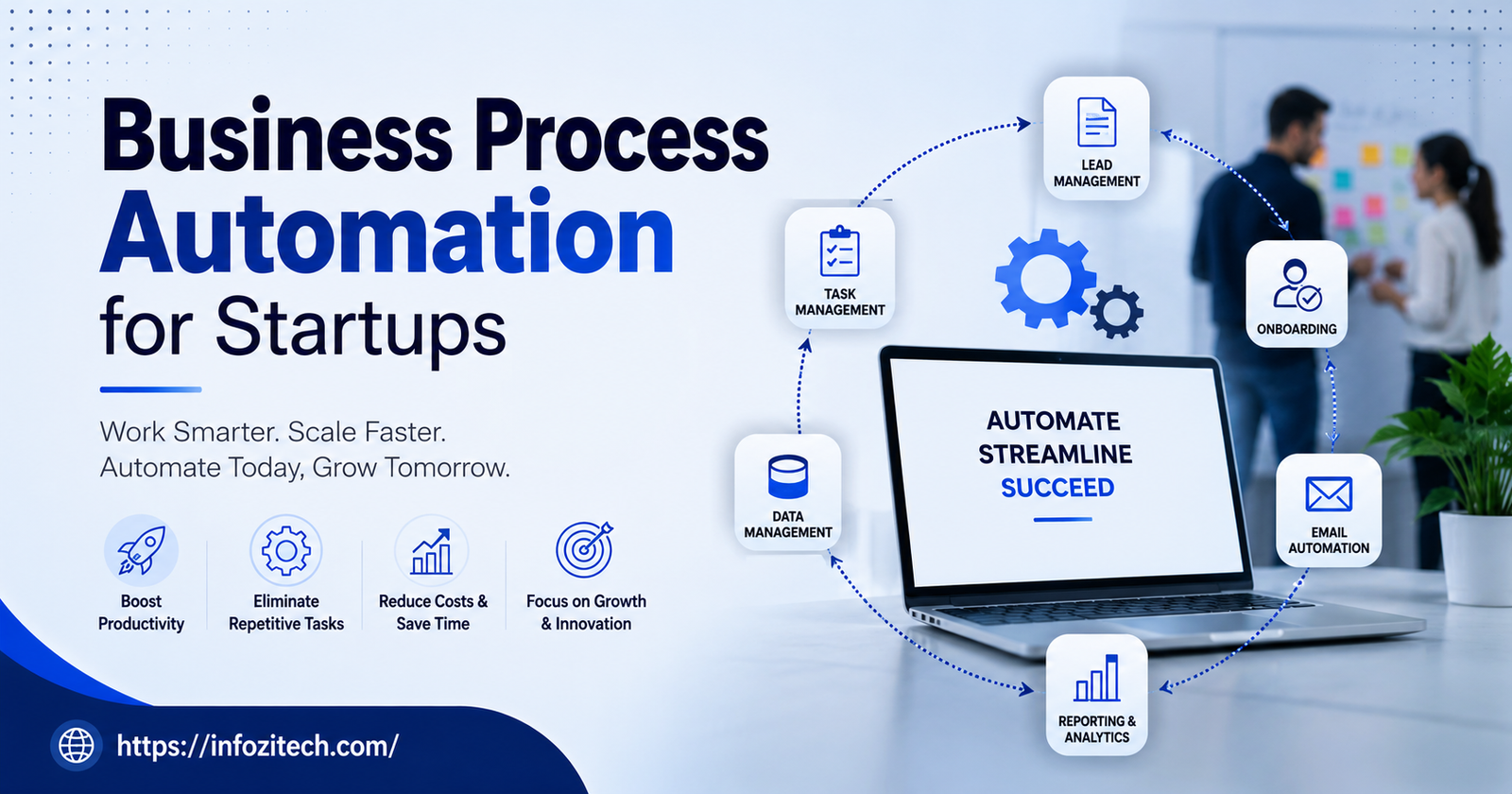
Common early wins? Onboarding emails. Invoice reminders. Lead follow-up scheduling. Expense approvals. Syncing data between your CRM and email tool. Routing support tickets to whoever should actually handle them. None of that needs nuance, and that’s exactly the point; that’s why it’s automatable in the first place. Save your actual human judgment for the stuff that genuinely needs a human.
Map It Before You Touch a Tool
Mistake I see all the time: someone dives straight into building an automation for a process that was never actually written down anywhere. If onboarding looks different depending on who’s running it that week (and be honest, it probably does), automating it just makes that inconsistency happen faster, at scale, which is worse, not better. Write the real steps down first, including the annoying little manual checks nobody talks about out loud. Half the time you’ll realize the process itself needs fixing before it’s even worth automating.
Small Steps Beat a Full Overhaul
Trying to automate the entire ops stack in one sprint is basically asking for a month of engineering time to disappear into something brittle that only one person understands, and that person just gave notice. Pick one process. Do it properly. Check that it’s actually saving time, not quietly creating new errors somewhere you’re not looking. Then, only then, move to the next thing.
What Startups Actually Use
Good news here, you don’t need custom software built from the ground up to get real automation going. Most early teams lean on no-code or low-code platforms, tools that let someone without an engineering background wire up a workflow without much code, sometimes none at all.
No-Code Platforms
These typically run on a trigger-and-action setup. Something happens, say a form gets submitted, and that fires off an action, like adding the person to your CRM and sending a welcome email automatically. A non-technical founder can build this in an afternoon, easily. No waiting three weeks for an engineer to have spare cycles between sprints.
When Custom Development Is Worth It
Eventually, especially with high-volume or genuinely messy workflows, no-code tools hit a wall. Thousands of transactions a day, weird edge-case logic that off-the-shelf platforms just can’t express cleanly, that’s usually when custom scripts or internal tools start earning their keep. General pattern worth following: validate with no-code first, prove the process is actually worth the trouble, then put real engineering time only into what’s already proven its value and genuinely needs to scale further.
AI as Part of the Mix
AI tools have quietly become part of this too, especially for the messier, less structured stuff. Summarizing customer feedback. Drafting a rough first-pass reply. Sorting an incoming request that doesn’t fit any clean rule. It’s less about replacing rule-based automation and more about sitting next to it, picking up the parts that need a little interpretation instead of a strict yes-or-no.
Mistakes I See Startups Make Constantly
Automation done right is a real edge. Done badly, it creates new headaches that can genuinely be worse than the manual mess it was supposed to replace.
Automating Something That’s Already Broken
Worth repeating because people still do this. Automating an inconsistent process just gets you the wrong answer faster, more reliably, every time. Fix the logic first. Then automate it.
Automating Too Much, Too Soon
Not everything needs it. Something that happens twice a month probably costs more time to build and maintain than it will ever save you. Save the effort for what’s actually repetitive.
Forgetting There Are Humans Involved
Even a well-built automation falls apart if the team doesn’t trust it or doesn’t understand what it’s doing behind the scenes. When you roll out something new, explain it, actually walk people through it. Make sure one person owns watching it, so if something breaks, it gets caught the same day, not three weeks later when someone finally notices the numbers look off.
Never Going Back to Check
Startups change fast, faster than most systems keep up with honestly. A workflow built for ten customers might be completely wrong once you’ve got a thousand. These things need a periodic look, not a set-it-and-forget-it approach where nobody touches it again for a year.
Is It Actually Working, Though
Worth resisting the urge to automate just because you technically can. The real question is whether it’s saving time, cutting down errors, or making the customer experience better in a way you can actually point to and measure.
Track how long a task used to take by hand versus now. Track error rates before and after. Ask the team if they feel less buried in repetitive work, just ask them directly, you’ll usually get a straight answer back. If an automation isn’t clearly moving one of those numbers in the right direction, it might not have been the right thing to automate in the first place. Or it just needs redesigning.
Final Thoughts
Automation for a startup isn’t really about chasing whatever tool’s trending this month or trying to look impressive in front of investors. It’s about protecting the one resource an early team never has enough of, which is time and attention, full stop. Start small, fix the process before you automate it, check back on what you built every so often instead of forgetting it exists, and it turns into one of those quiet advantages that lets a small team punch well above its weight.
The startups that get this right usually aren’t the ones with the flashiest tech stack. They’re just the ones who got sick of doing the same annoying task twice and actually sat down to fix it properly../b 1_files/saved_resource.html









2 thoughts on “Business Process Automation for Startups: A Practical Guide to Scaling Without Chaos”